BX616 Portable Multi-gas Detector Using Manual
2
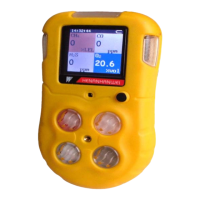
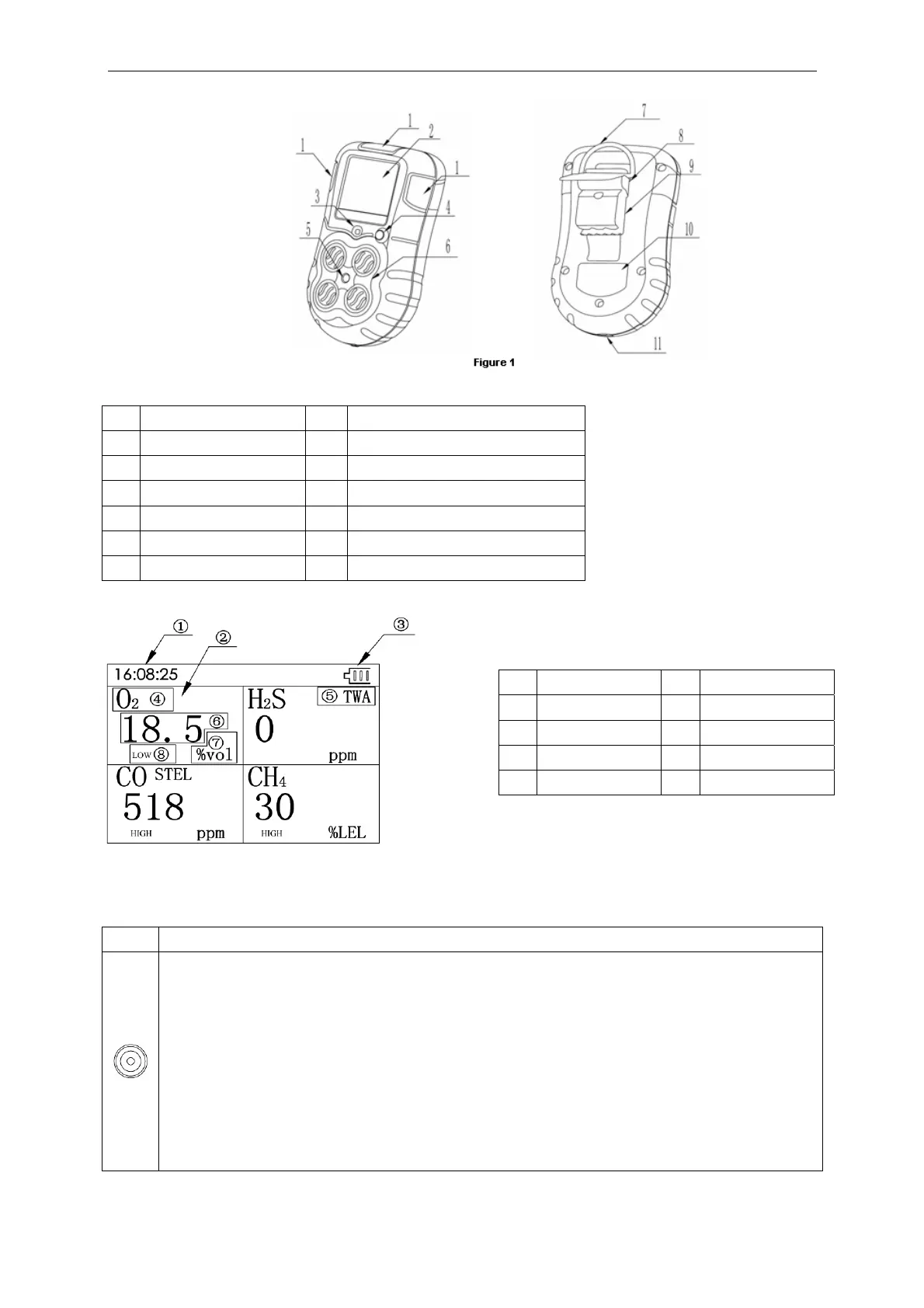
4.1 Appearance
4.2 Indication information
4.3 Button function
Button Functions
z Turn on: Press it for 1s, the detector is power on.
z Turn off: Press it for more than 3s, the detector is power off.
z Muffle: When alarming, press it once and the audio alarming will be off.
z Quit libration: When alarming, after audio alarming is off, press it once and shaking alarming is off.
z Detector status checking: When the detector is in the status of detection, press it to check max. gas
level, min. gas level, STEL, TWA, current time, serial number and version number.
z Calibration: When the detector enters detection menu, press it continuously even the screen is
closed. After 10 seconds, when the screen is open again and it shows calibration status, then you
can release it and to calibrate the device.
No. Name No. Name
1 Alarm light 7 Hang ring hole
2 LCD screen 8 Buckle
3 Buzzer 9
Alligator clip
4 Power on/off button 10 Label
5 Calibration hole 11 Charging/Communication port
6 Detection window
No. Function No. Function
1 Time 5 TWA or STEL alert
2 Detecting gas 6 Gas concentration
3 Battery indication 7 Unit
4 Gas type 8 H-alarm or L-alarm
Figure 2


 To Next Page
 Loading...