Hardware options installation 24
2.
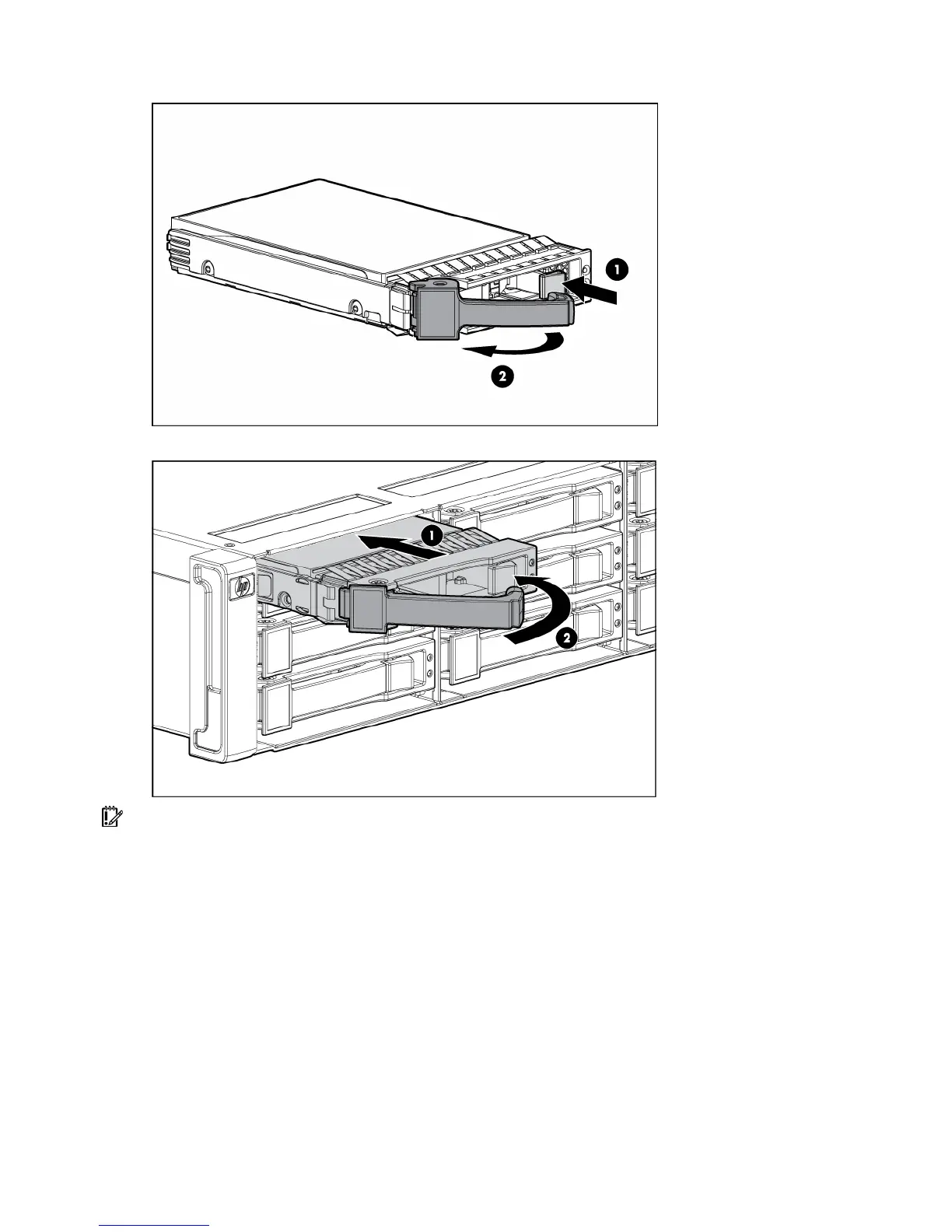
Prepare the hard drive.
3. Install the hard drive.
IMPORTANT: When the drive is inserted, the drive LEDs flash for 2 seconds to indicate that the drive is
seated properly and receiving power.
4. Determine the status of the hard drive from the SAS and SATA hard drive LED combinations.



 To Next Page