Keys
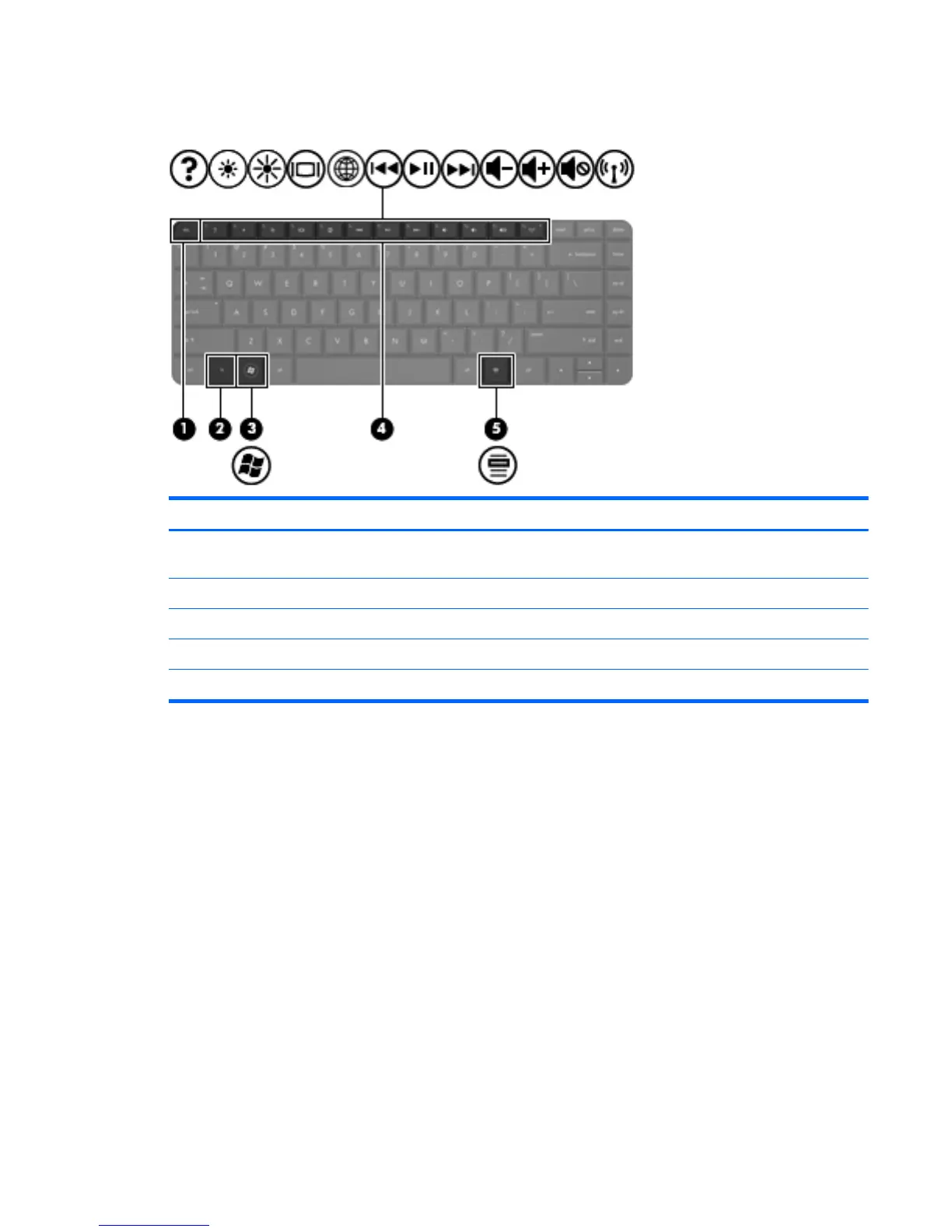
Item Component Description
(1) esc key Displays system information when pressed in combination
with the fn key.
(2) fn key Used in conjunction with hotkeys.
(3) Windows logo key Displays the Windows Start menu.
(4) Action keys Execute frequently used system functions.
(5) Windows applications key Displays a shortcut menu for items beneath the pointer.
Keys
9



 To Next Page