7.
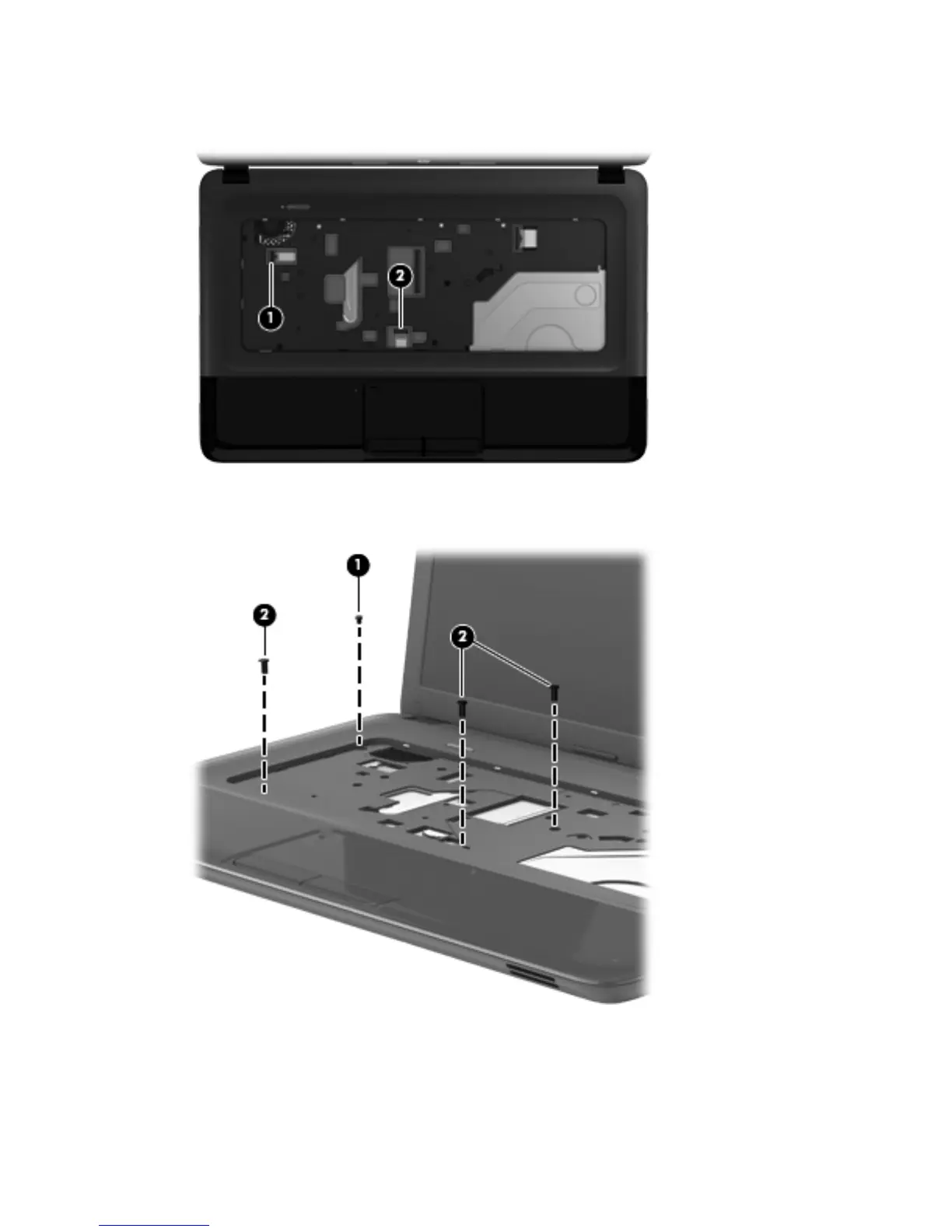
Release the ZIF connector to which the TouchPad button board cable is connected, and then
disconnect the TouchPad button board cable (2) from the system board.
8. Remove the Phillips PM2.0×2.5 screw (1) and the three Phillips PM2.5×6.5 screws (2) that secure
the top cover to the computer.
9. Lift the rear edge of the top cover (1) and swing it up and forward until the left and right sides of
the top cover detach from the base enclosure.
52 Chapter 4 Removal and replacement procedures



 To Next Page