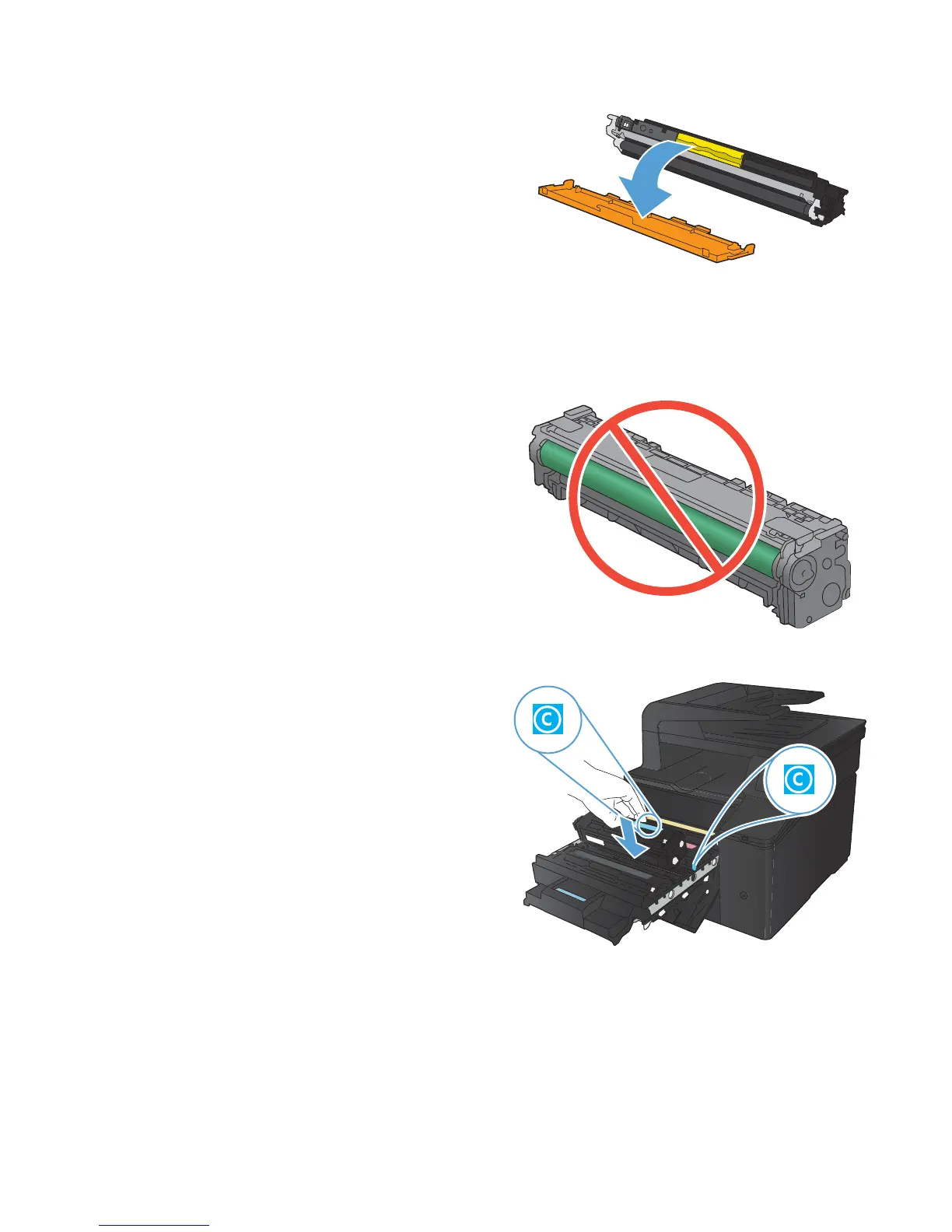
6. Remove the plastic shield from the bottom of
the new toner cartridge.
7. Do not touch the imaging drum on the bottom
of the toner cartridge. Fingerprints on the
imaging drum can cause print-quality
problems.
8. Insert the new toner cartridge into the product.
© 2012 Copyright Hewlett-Packard Development
Company, L.P.
3



 To Next Page