12 13
EN EN
Using the appliance Using the appliance
B B
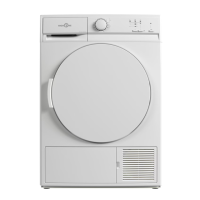
Using the tumble dryer
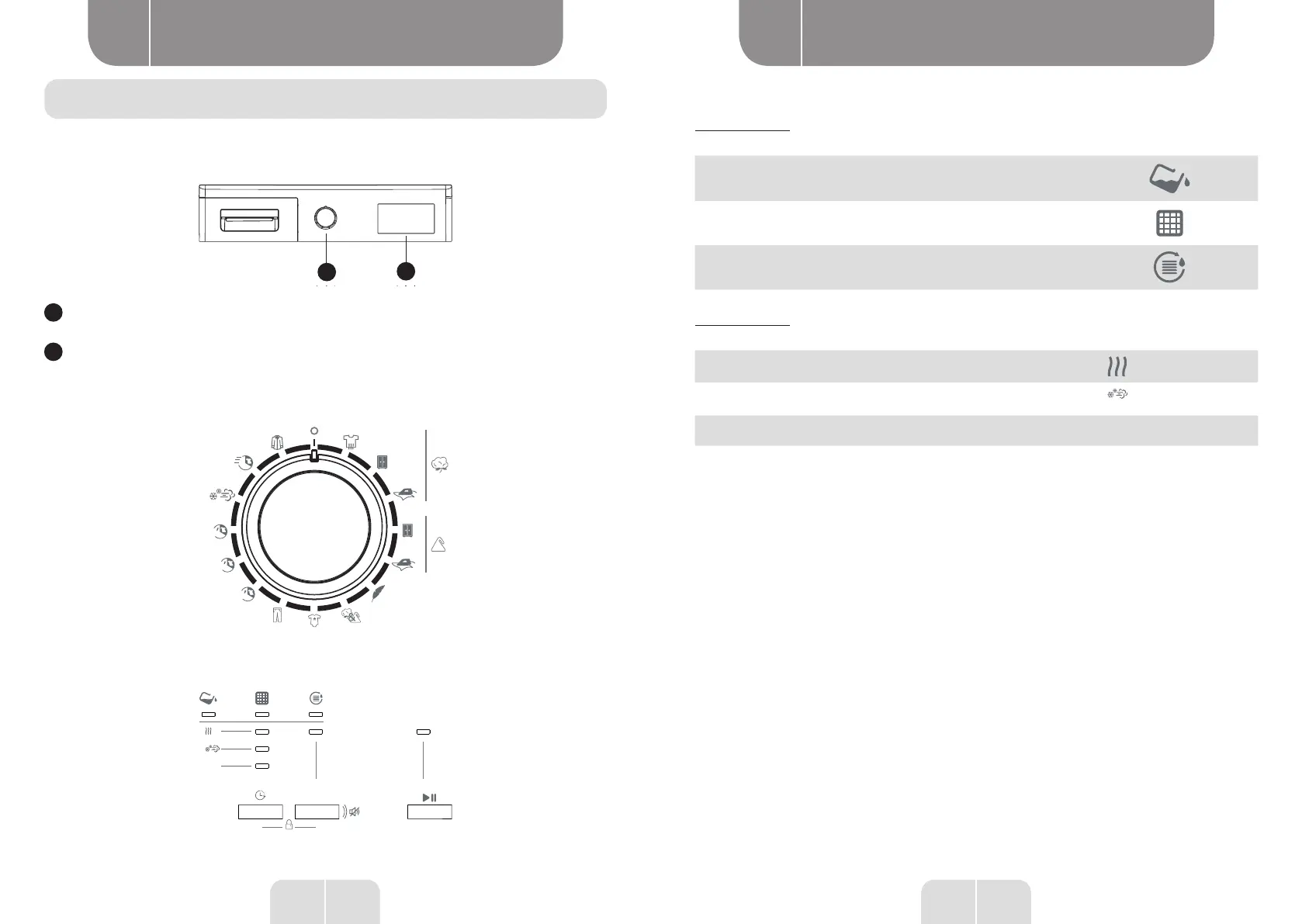
Control panel
1
2
1
Program selection button
2
Electronic indicator and additional functions
Program selection button
Use the program selection button to select the drying program you want
60
40
20
Electronic indicator and additional functions
3h
6h
9h
End
End
Display symbols:
Indicator of the level of water in the container
Lint lter cleaning warning indicator
Condenser cleaning warning indicator
Drying indicator:
Drying
Cooling
End
• The electronic indicators display the progress of a current program. At the beginning of each step
of the program, the corresponding LED indicator lights up and the LED indicator of the completed
step goes out.
Program selection and consumption table
Press the On/O button to start the program. The On/O LED indicator which shows the start of the
program and the drying LED indicator lights up.



 To Next Page