7
Verify the installation -Windows
Please install the Thunderbolt Software from the system
motherboard provider first.
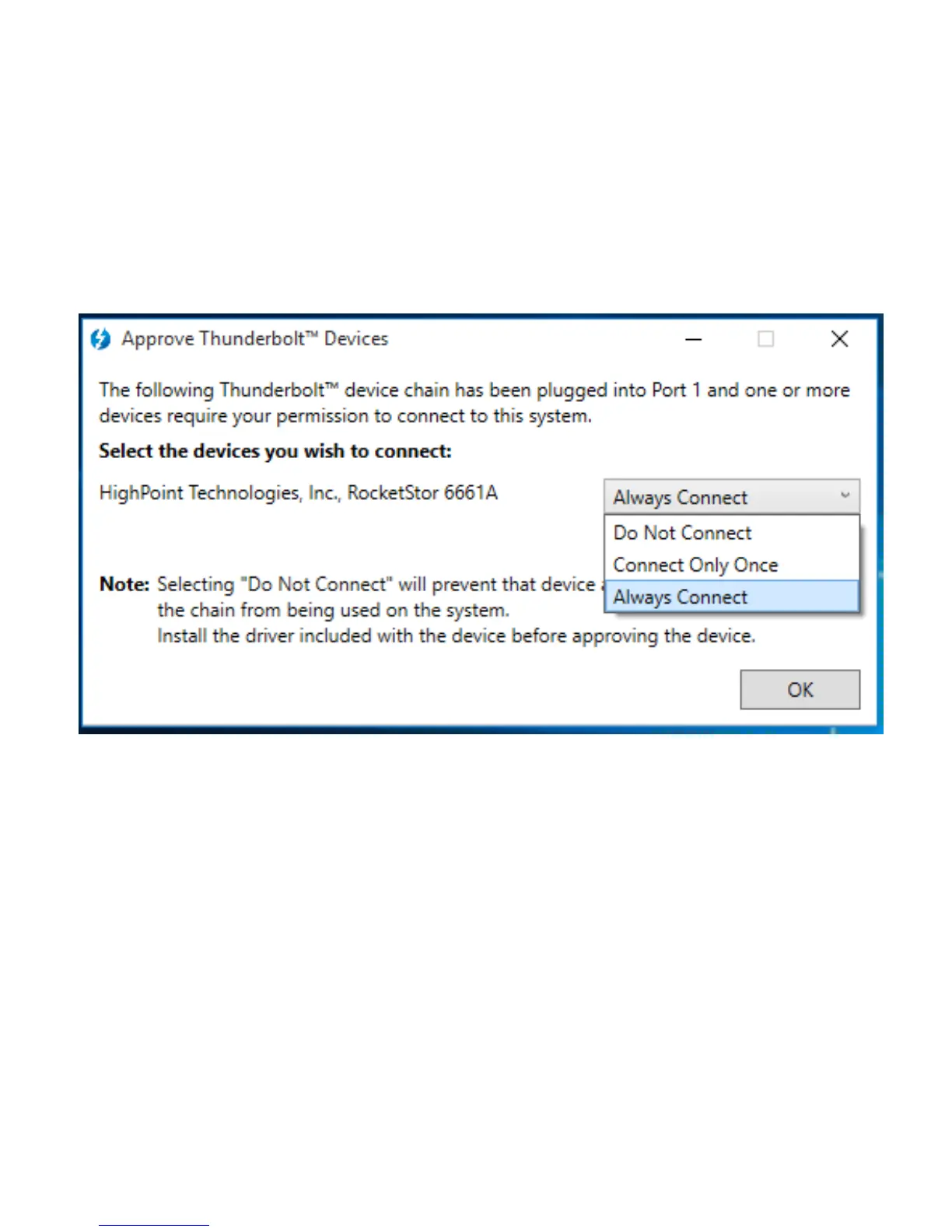
After connecting the RocketStor 6661A to the system, a pop-up
window should be displayed asking you approve or reject the
Thunderbolt Device connection.
Select “Always Connect” from the drop-down menu, then click
OK.
Note,
If the RocketStor 6661A is not detected by your system, please
double check the power adapter and Thunderbolt™ cable
connections. Check the Power Indicator LED to make sure the
unit is powered on.



 To Next Page