Conference Flat Panel User Manual
19
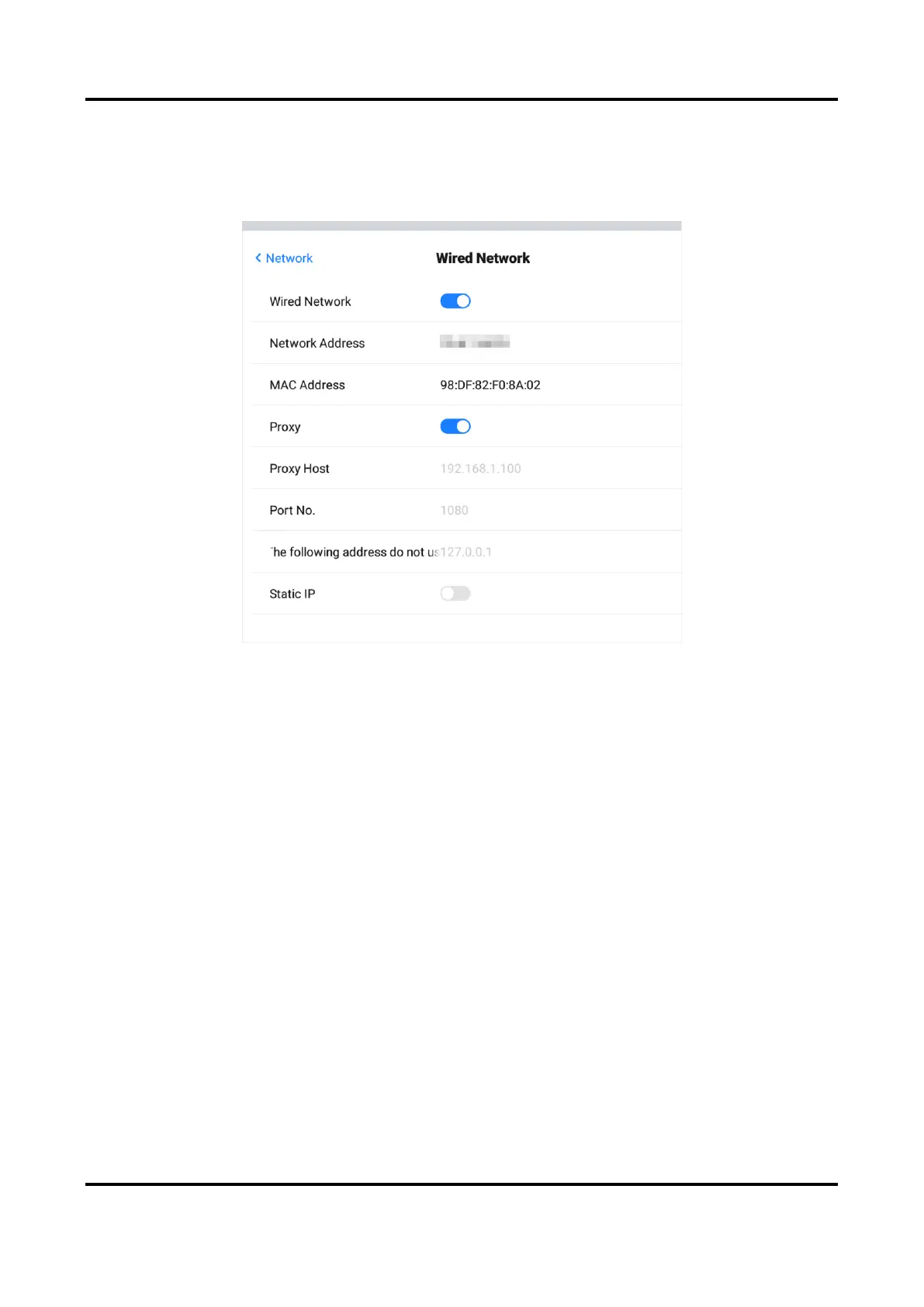
Proxy Settings
When proxy enabled, you need to set Proxy Host and Port No., and set the URLs that do not use
the proxy.
Figure 6-2 Proxy Settings
Static IP Settings
When static IP enabled, you need to set network parameters, such as Static IP, Gateway, Subnet
Mask, DNS1, and DNS2.



 To Next Page
 Loading...