Note:
1. Children under the age of 13 are not permitted to create a HiMirror account.
2. Please ensure HiMirror Mini is placed on a flat and even surface.
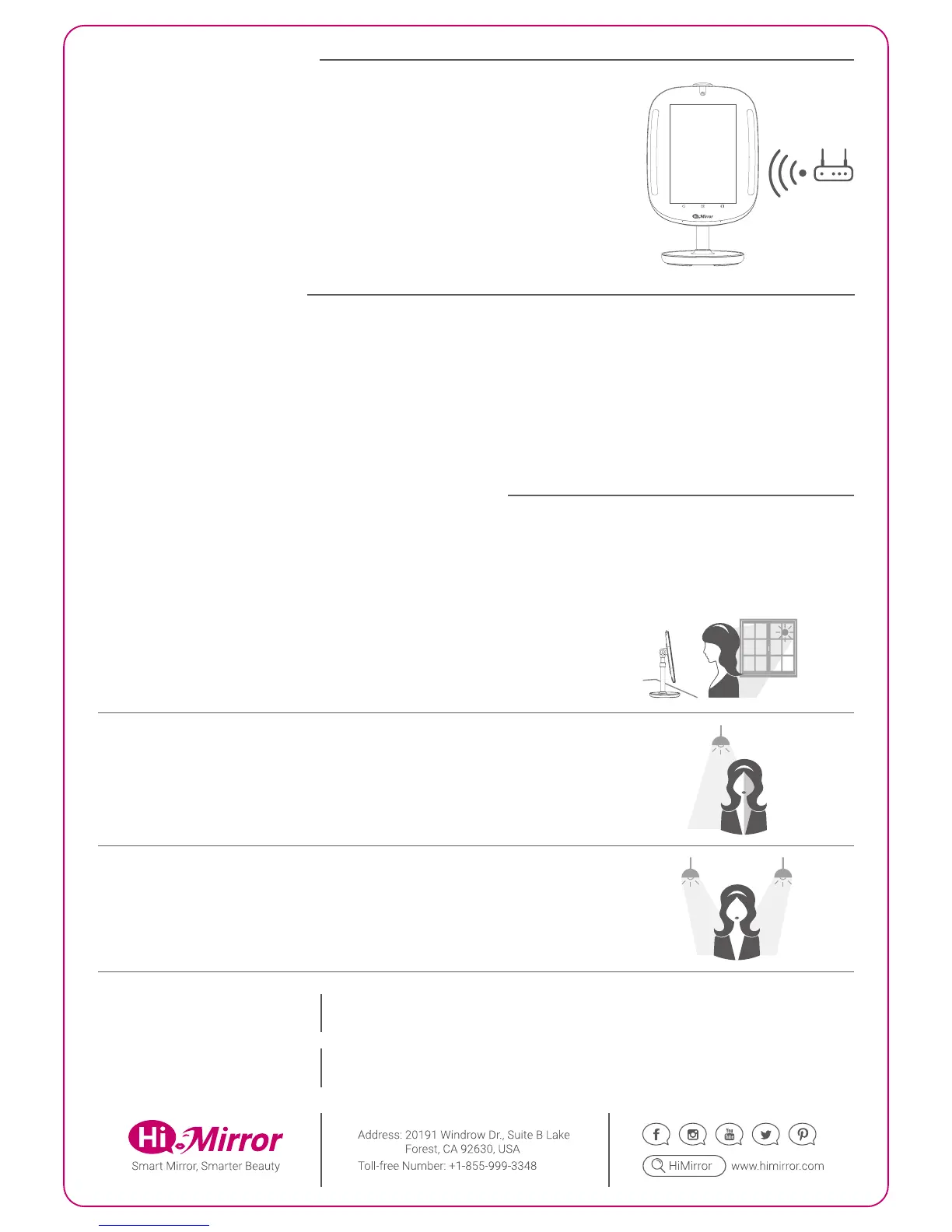
You must have a WiFi network available and have your HiMirror Mini installed
within its range.
HiMirror Mini must be within range of your WiFi network
BEFORE YOU START
For best results, make sure that the light sources around your HiMirror Mini are even and your face is not partially
shadowed. Please refer to the following instructions when the light source is not adequate for HiMirror Mini.
Light Source
A. Strong backlight, such as a large window.
Suggestion: Close the blinds or curtains.
C. Multiple light sources.
Suggestion: Leave only the light source in front of you and turn the other lights off.
B. Uneven indoor lighting, such as a light source shining on one side of your face.
Suggestion: Adjust the light's direction, or turn the light off.
Temperature / Humidity
Operation: 41°~95°F(5°~35°C); 30~80% RH
Storage & Transportation: -4°~140°F(-20°~60°C); 0~95% RH
OPTIMAL ENVIRONMENT CONDITIONS
1. Connect HiMirror Mini to a power outlet using the power adapter.*
2. Push and hold the power button for at least 3 sec. to turn on HiMirror Mini.
3. Push to open the camera cover.
4. Follow the on-screen instructions to complete setup.
GETTING STARTED
Note: HiMirror Mini must be plugged into a power outlet at all times.
*
Power Consumption
Power Input: 100-240V~50/60Hz, 1.0A
Power Adapter: 12V, 36W
HDBM6680X05


 To Previous Page
 Loading...