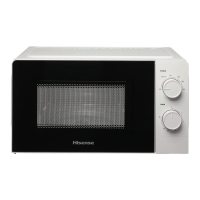
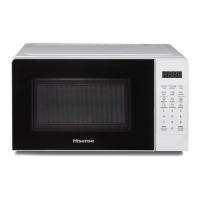
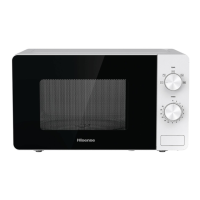
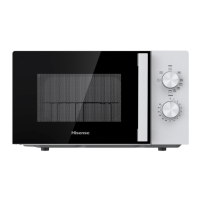
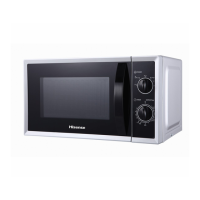
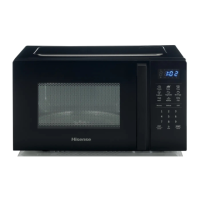
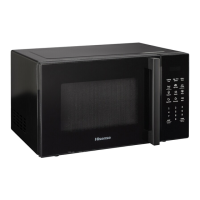
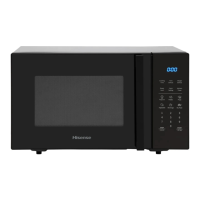
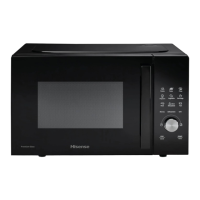
CONTROL PANEL
DISPLAY
Shows the clock, cooking time and setting.
DEFROST
Use this key to defrost the food by time and weight
MICROW.
Use this key to select the microwave power level.
CLOCK
Hold this key for 3 sec to set the clock.
TIMER
Use this key to set the timer function.
ICONS
Use these keys to set time and food weight and to choose
the auto menu programmes.
0 – 9
Use these keys to enter the cooking time and weight.
STOP/CANCEL
Use this key to defrost the food by weight. Hold 3sec for
child lock
START/+30 SEC
Use this key to do quick start cooking of 30 seconds,
increase cooking time by 30 seconds (by each press), or
confirm cooking settings.
1.
Door Safety Lock System
2.
Oven Window
3.
Roller Ring
4.
Glass Tray
5.
Control Panel
6.
Wave guide (please do not remove
the mica plate covering the wave
guide)


 To Next Page
 Loading...