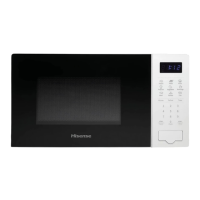
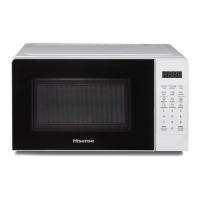
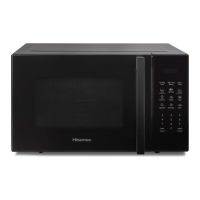
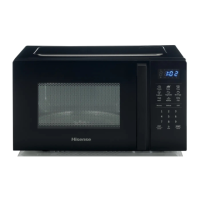
For example, press the MEAT key twice to select beef. The
display will show “BEEF”.
2.
Press the START key to confirm. The display will show
the weight “300”.
3.
Press the MEAT key again repeatedly to select the
weight for your chosen programme. Please refer to
the auto menu table for information. For example,
press the Meat key 3 times. The display shows “700”.
4.
Press the START key to confirm and start cooking.
Menu
Display
Weight
Time
Popcorn
50
50g
0'55˝
100 100g 2'00˝
Potato
1
230g 4'00˝
2
460g
8'00˝
3
690g
13'00˝
Pizza
100
100g
0'40˝
200
200g
1'10˝
400
400g
2'30˝
Vegetable
(frozen)
150
150g
4'00˝
350
350g
8'00˝
500
500g
11'00˝
Beverage
1
120ml
1'00˝
2
240ml
2'00˝
3
360ml
3'00˝
My Plate
(meat, side
dish)
250
250g
3'30˝
350
350g
4'30˝
500
500g
6'30˝
15


 To Next Page
 Loading...