18
807350
ADJUSTING THE TEMPERATURE
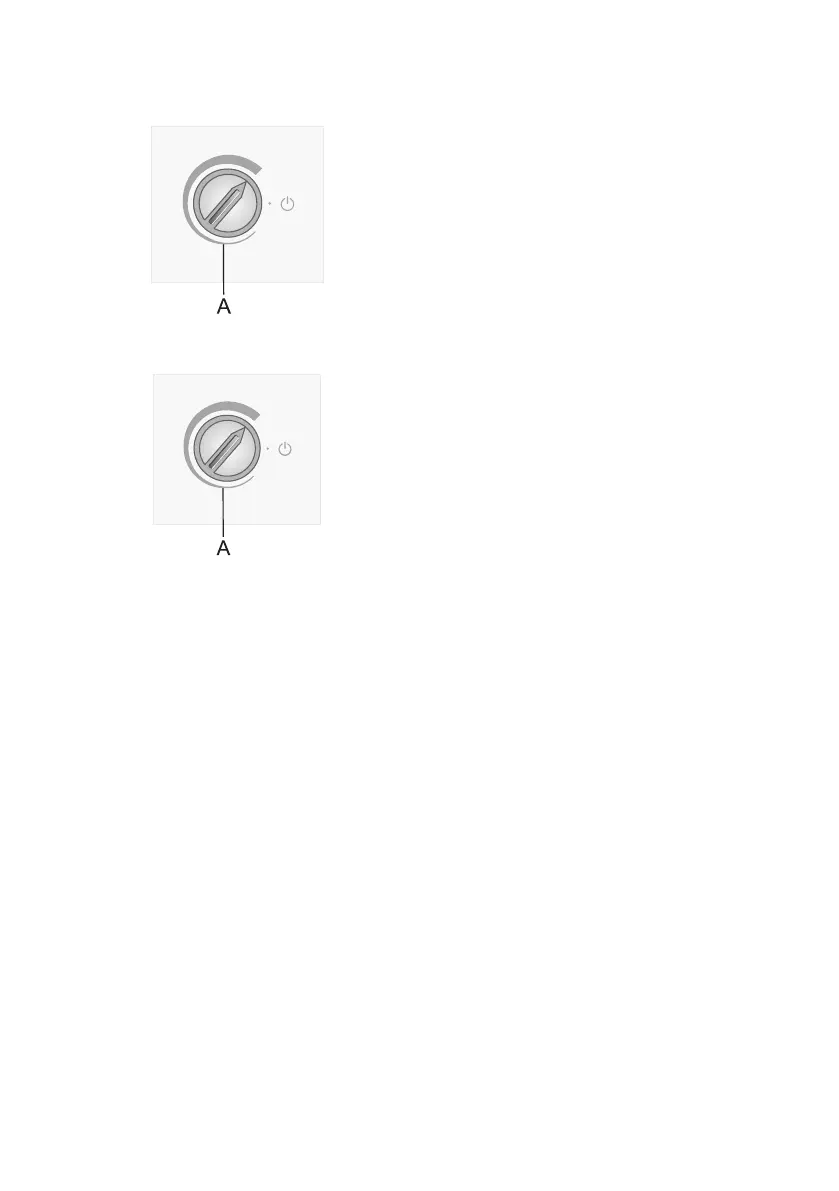
• To set the desired temperature, rotate the A
dial in clockwise direction, i.e. to the right.
• A change in the environment temperature
will a ect the temperature in the appliance.
Adjust the setting with the A dial
accordingly. Positions towards the thicker
part of the sign mean a lower temperature
in the appliance (cooler). Settings towards
the thinner part of the sign mean a higher
temperature (warmer).
• If the temperature of the room where
the appliance is installed is below 16°C,
we recommend setting the A dial
temperature to the thickest part of the
sign.



 To Next Page