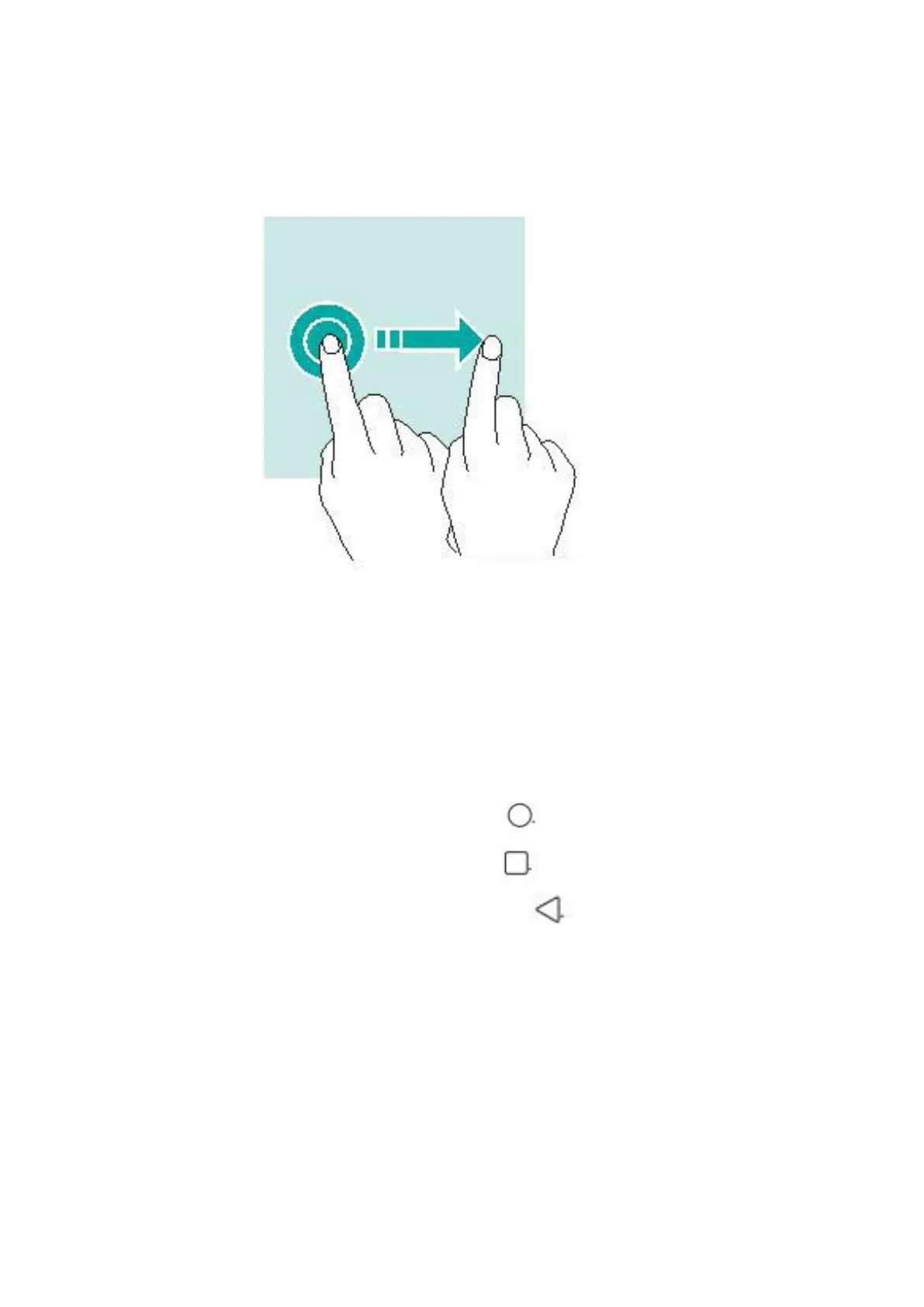
Dragging
To move an item, tap and hold it and drag it to the target position.
Using the navigation bar
You can find your navigation bar control at the bottom of you
screen.
• To go back to the home screen, tap
• To open the list of recent apps, tap
• To go back to the previous screen, tap
Locking and unlocking screen
Locking the screen
• To lock the screen, press the power button.
• Go to Settings > Display > Screen timeout to change how



 To Next Page