7.10 SMART ORDERS
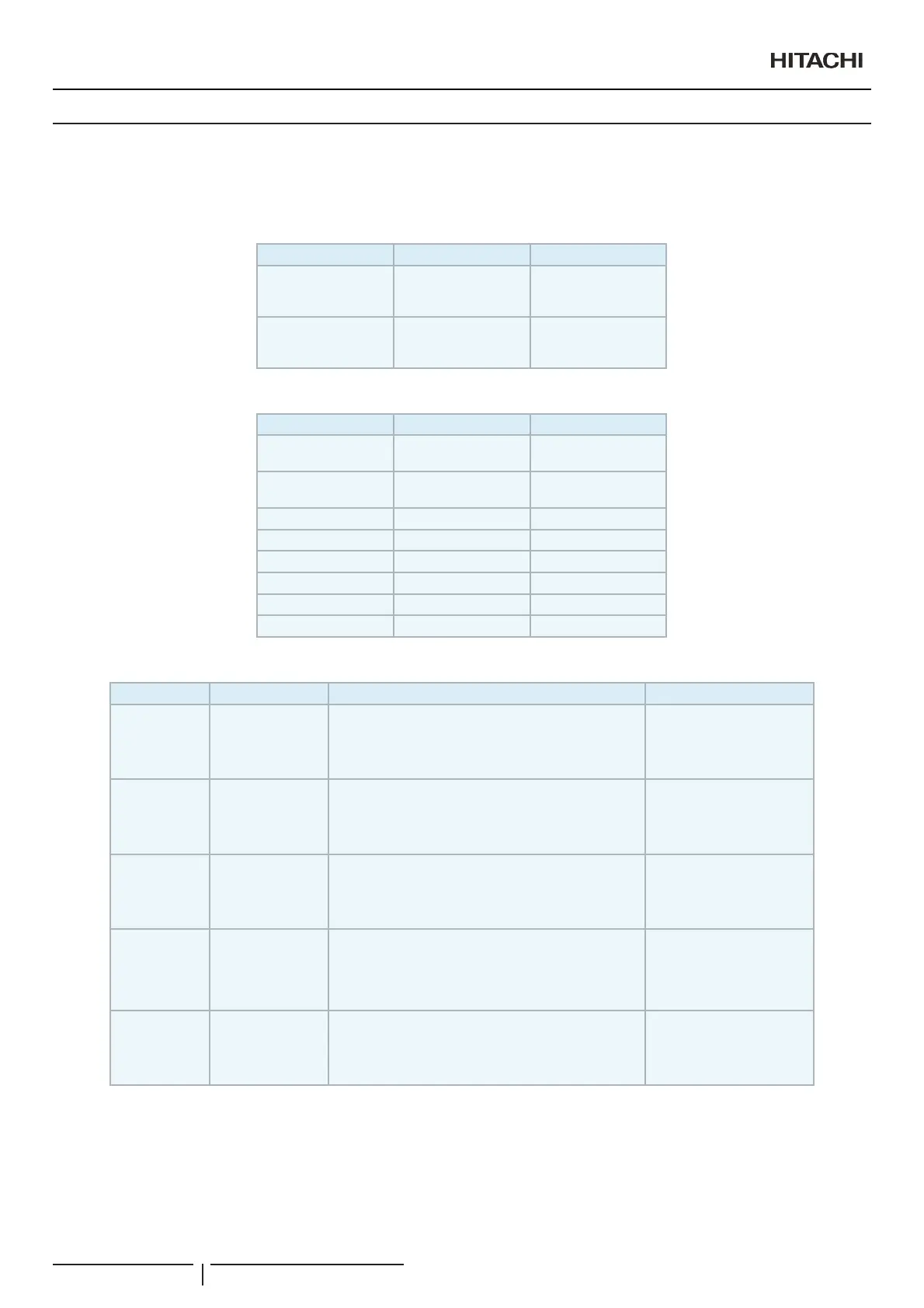
Smart orders lets user say or type what its orders and CSNET Manager will apply them.
Those are the available orders:
Smart Orders
Action Destination Example
I want
cold
heat
air
I want heat
I have
cold
heat
air
I have cold
Navigation actions
Action Destination Example
open
Location
Port OU IU
open Location 2
see
Location
Port OU IU
see 0 2 4
matrix - see matrix
list - list
weather - Weather Forecast
go back - go back
exit - exit
help - help
Setting actions
Action Value Destination Example
turn on -
Location
Port OU IU
all
(just the action applies to current opened unit)
turn on all
turn off -
Location
Port OU IU
all
(just the action applies to current opened unit)
turn off 0 2 4
temperature -
Location
Port OU IU
all
(just the action applies to current opened unit)
temperature 25 Location 2
mode
cold
dry
fan
heat
auto
Location
Port OU IU
all
(just the action applies to current opened unit)
mode cold
fan
low
medium
high
Location
Port OU IU
all
(just the action applies to current opened unit)
fan medium Location 2
N O T E
2UGHUVDUHVHQWDVWH[WEXWLQFDVHWKDW\RXUZHEEURZVHUDOORZVYRLFHLQSXWVWKRVHRUGHUVFDQEHHQWHUHGE\VD\LQJWKLVRUGHUVLQWKH&61(70DQDJHU
server language.
Web connections
PMML0409A rev.1 - 10/2016102


 To Next Page
 Loading...