ENGLISH
8.3.3 Use of system tray
If user close the window using the cross button, application will still run setting an icon on the system tray.
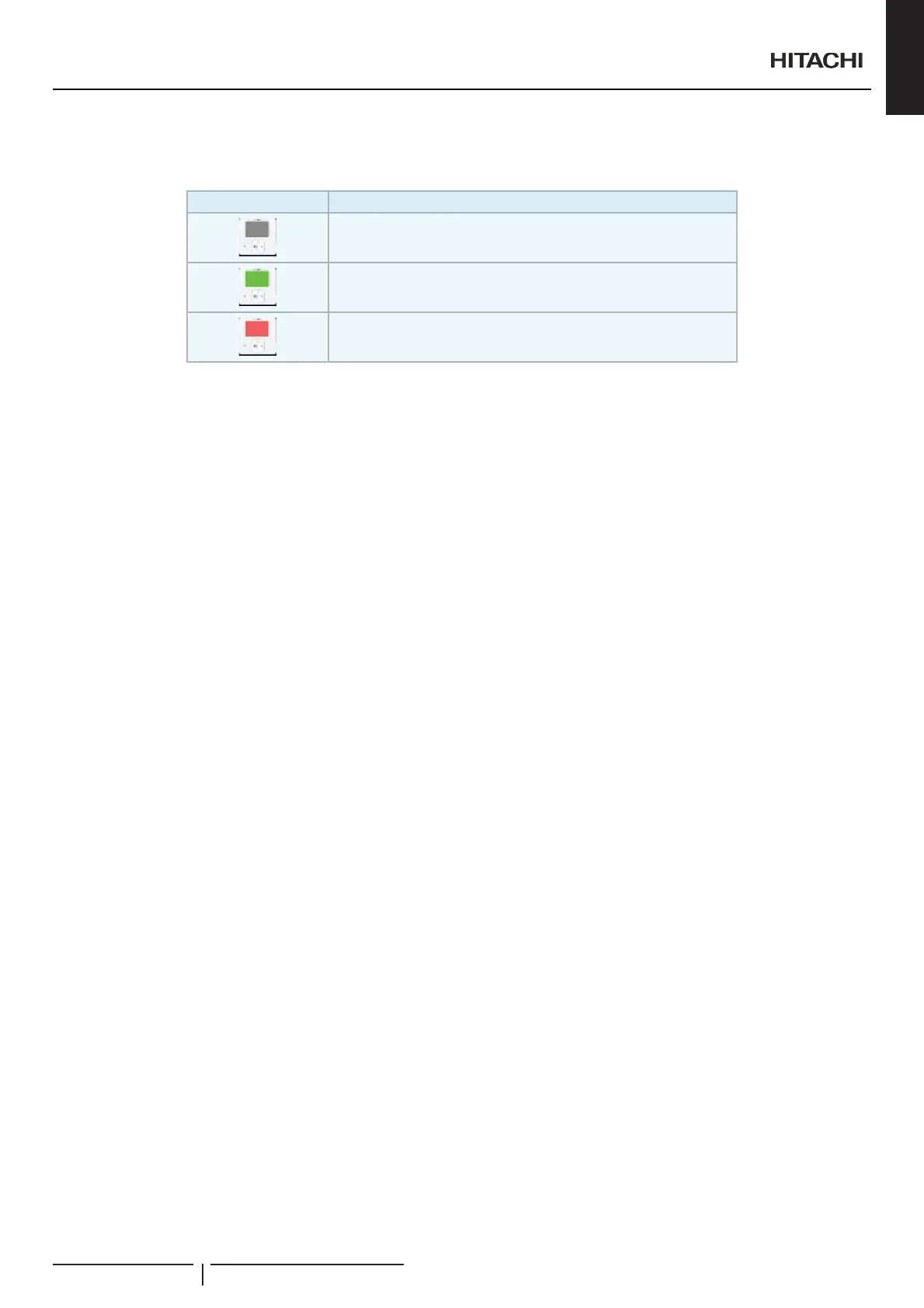
Icon Meaning
Software icon
Some unit is running
Some unit has alarm
Clicking twice over the system tray icon will open the application. Using right button of the mouse over it will open a little menu that
will allow to the user between close completely the application or open it.
User will normally have the application closed on the system tray, because it will not be always managing things. But having that
LFRQWKHUHZLOOEHVRXVHIXOGXHWRWKHDODUPQRWL¿FDWLRQ
When an alarm occurs system tray icon will switch to red colour and it will be like this until alarm will be disappeared. Alarm
GLVSOD\LQJPHVVDJHVKRXOGEHDFWLYDWHGRQWKHXVHUFRQ¿JXUDWLRQ
)LUVWWLPHWKDQDODUPRFFXUVLWZLOODSSHDUDV\VWHPQRWL¿FDWLRQVKRZLQJWKDWWKLVDODUPKDVEHHQDSSHDUHGZLWKWKHDODUPFRGHDQG
unit address.
Alarms could also be watched on the alarm led of the virtual remote control or on the units list.
RCS Web
PMML0409A rev.1 - 10/2016107


 To Next Page
 Loading...