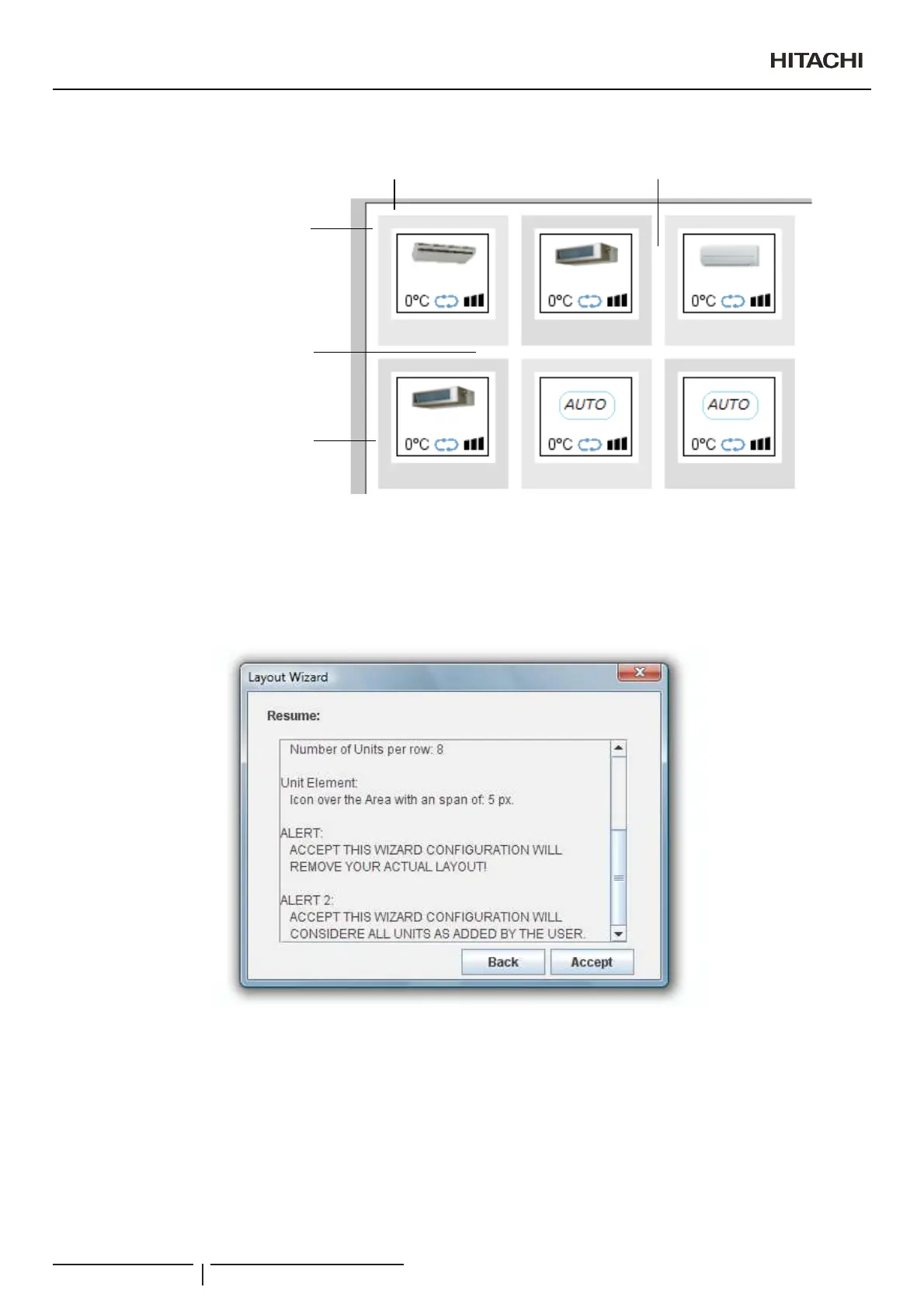
On next image you can see an example, applying the entered values:
1 Zone Margin X
2 Zone Margin Y
3 Unit Separation Y
4 Unit Separation X
5 Area Offset
5
2
1
3
4
Finally, wizard dialogue will show you a resume panel with a summary of your selected options and with two alerts.
ALERT 1:
$FFHSWWKLVZL]DUGFRQ¿JXUDWLRQZLOOUHPRYH\RXUDFWXDOOD\RXW
ALERT 2:
$FFHSWWKLVZL]DUGFRQ¿JXUDWLRQZLOOFRQVLGHUDOOXQLWVDVDGGHGE\WKHXVHU
Creation of Building Layout
PMML0409A rev.1 - 10/201688



 To Next Page