DVD mode
Insert a disc
Upon inserting a disc, the unit will switch to [DISC] mode automatically.
Notes:
① Please confirm whether there is a disc in the unit before you insert another one.
② Some recorded discs, such as CD-R, CD-RW, DVD-R, DVD+R,
DVD-RW, DVD+RW cannot be played back because of different
recording status. Otherwise, the discs without being closed could
not be played back.
③ About the cautions of disc using, please refer to the appendix.
④Don't pledge to compatible the all disc.
Eject the disc
Press the key on the front panel or remote control to eject the disc. When
the disc is ejected,the unit switches to the previous source,if connected.
Otherwise, the unit switches to [ Radio] mode automatically.
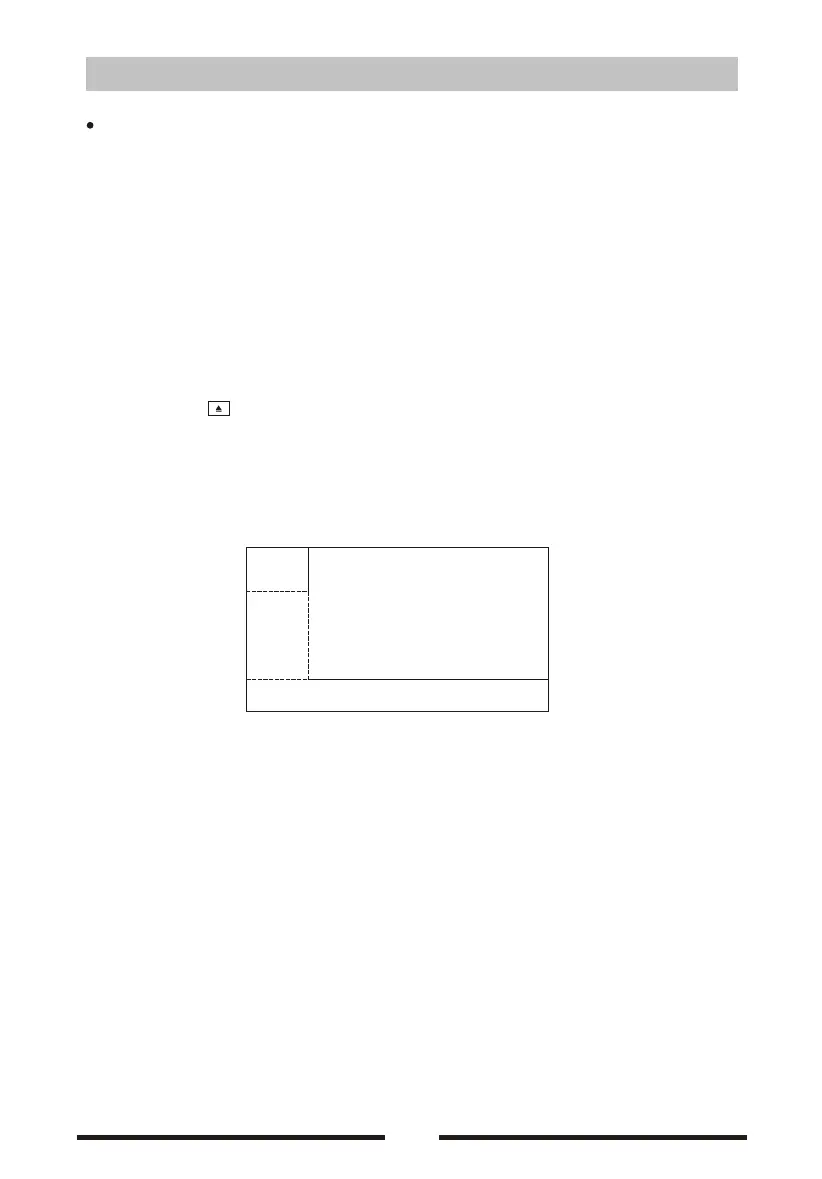
Touch screen controls
:
A:
:
C:
The touch key areas for DVD playback are outlined below
Return the last menu
B Play the vedio and display playback information
Display onscreen control menu
07
C
A
B


 To Next Page
 Loading...