
 Need help?
Do you have a question about the HKBN WiFi 6 and is the answer not in the manual?
Plug the fiber patch cord into the SFP WAN port of the WiFi 6 Gateway.
Plug the power adapter and press ON/OFF. Verify indicator LEDs.
Connect to Wi-Fi using the default SSID and password.
Use an Ethernet cable to connect your device to the LAN port.
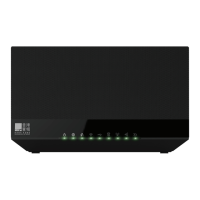
Details of front panel LEDs, their status, and descriptions.
Identification and description of rear panel ports and buttons.
Troubleshoot internet connection issues when the WAN LED is red.
Troubleshoot Wi-Fi connectivity when the Wi-Fi LED indicator is off.
 General
| Gigabit Ethernet Ports | 4 |
|---|---|
| Ethernet Ports | 4 |
| Security | WPA3 |
| MU-MIMO | Yes |
| OFDMA | Yes |
| Beamforming | Yes |
| Wi-Fi Technology | 802.11ax (Wi-Fi 6) |
| Frequency Bands | 2.4 GHz and 5 GHz |
| USB Ports | 1 |

 To Next Page