[41]
EN
BODY FAT SCALE
• Before attempting to use the scale for the rst time, remove the battery
insulating strip and t the batteries in the battery compartment.
To replace the spent battery:
• Open the battery compartment (D) at the appliance base, sliding back
the cover and removing the batteries.
• Install the new batteries. Please observe the polarity.
• Close the batteries compartment (D) correctly.
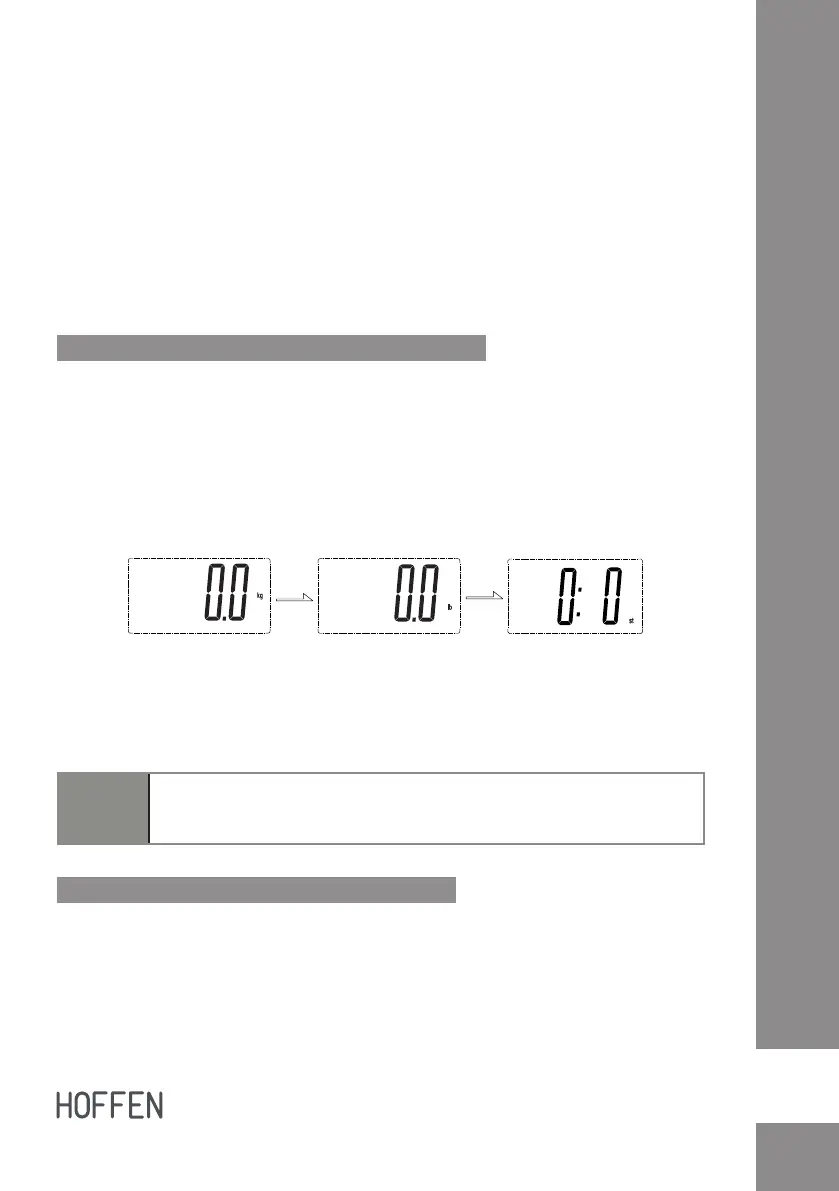
Select the unit of measure kg / lb / st
• The scale can be converted to kg (kilograms) / lb (pounds) / st (stones).
• The button of the unit of measurement (C) is located on the backside
of the unit.
• Press the unit conversion button (C). The unit of measurement set by
default will be displayed on the LCD monitor (B).
• Press button (C) to change to desired unit of measure kg / lb / st.
• After selecting the preferred unit, the scale will be auto-off after a few
seconds. Selected weight unit will be activated when the scale is turned
on again.
Note:
When setting lb/st as weight unit, the default height unit is feet/inch;
When setting kg as weight unit, the default height unit is cm.
Operation - normal weighing mode
• To ensure the most accurate reading, place the scale on a hard, at,
even surface. Avoid carpet or soft surfaces and make sure there are no
foreign objects beneath the scale before weighing.
• Gently step on the scale platform (A) to turn it on.


 To Next Page