Infotainment system 73
Operation
Power on/off
• To turn the audio system on,
press • VOL (2).
The previous mode will be
displayed (Bluetooth
®
audio may
not display).
• To turn the audio system off,
press • VOL (2).
Note
While the ignition is off, if the audio
system is turned on by pressing
• VOL (2), it will automatically turn
off after 10 minutes, from the last
operation.
Volume control
• To adjust the volume, rotate
• VOL (2).
Alternatively, press + or – on the
steering wheel remote controls.
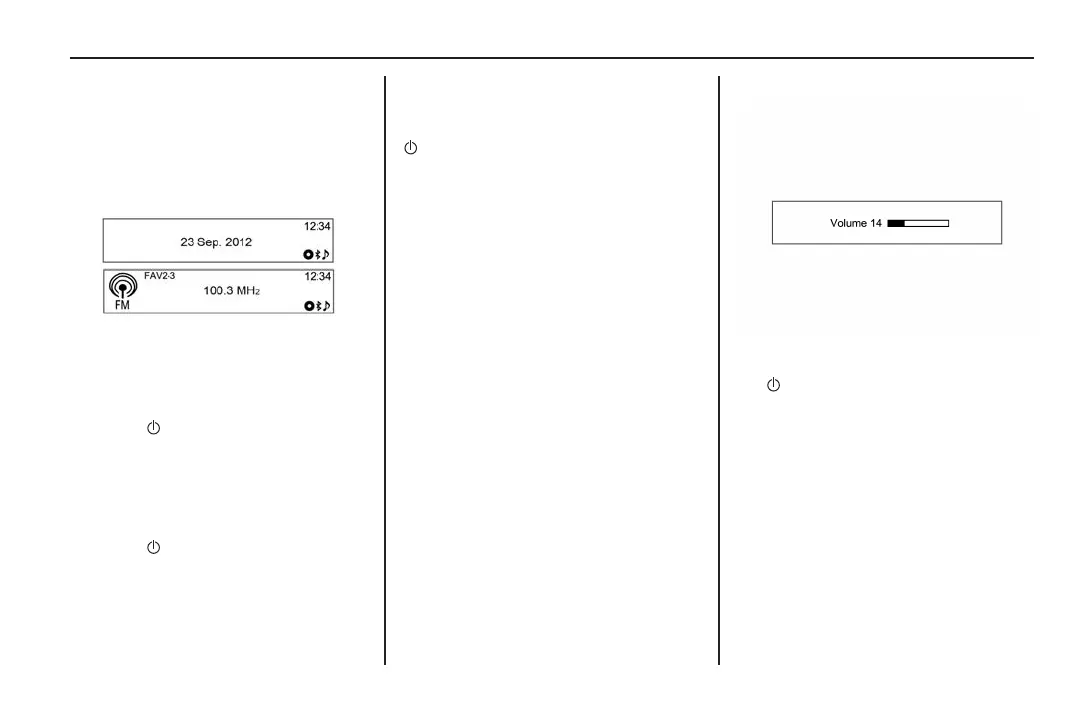
• The sound volume is indicated
on the display.
• When turning the audio system
on, the volume level will be set to
its previous selection (when it is
less than the maximum starting
volume). Refer to Radio settings
on page 100.
MY15_BARINA SPARK_BOOK.indb 73 14/07/2014 12:00:36 PM



 To Next Page
 Loading...






