2 / 2
Make the PM06 show the quantity of electric charge of your battery
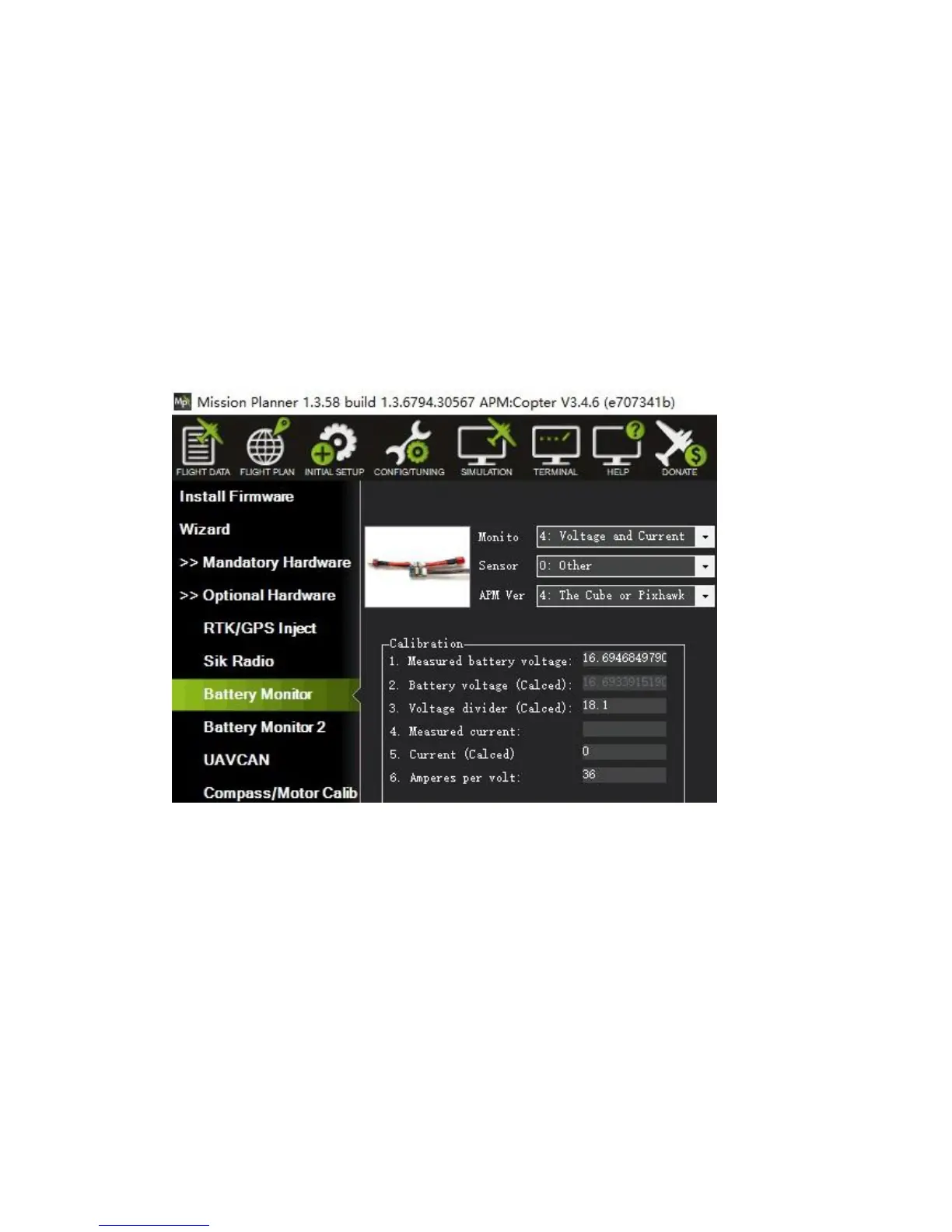
Mission Planner setup:
1. Connect PM06 to the battery, also connect it to Mission Planner via USB.
2. Click “INITIAL SETUP” and come to the menu “Battery Monitor”.
3. Make “Monito” into “Voltage and Current”.
4. Make “Sensor” into “Other”.
5. Make “APM Ver” into “The Cube or Pixhawk”.
6. Input “18.1” into Voltage divider (Calced).
7. Input “36” into “Amperes per volt”.
8. Disconnect and reconnect it to finish the setting up.(“Measured battery voltage” shows
the current quantity of electric charge of the battery.)
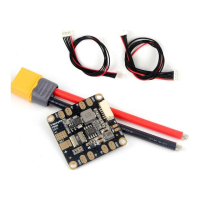
Package Include:
PM06 board*1
80mm XT60 connector wire*1
6pin GH cable *1
6pin JST cable *1


 To Previous Page