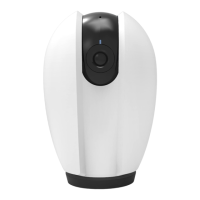
Note : You will need to have set up an google account prior to linking your Homcloud
device.
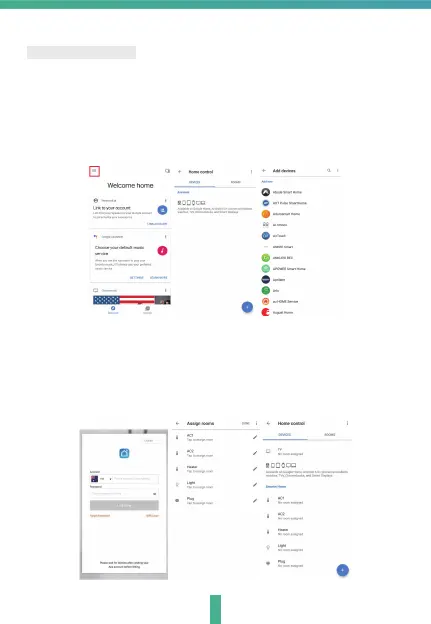
1. Select
"Menu" and then "Home Control".
2. In the "Home Control" screen, select the + icon in the bottom right.
3. A list will appear showing actions and a search funtions to access
more apps: from here. Choose the Smart Life app.
9
4. Log into your Homcloud account with your email address or mobile
number.
5. Click Done, and then it will give you a list of commands available.
6. When successfully linked, you will see it on your "Home Control" screen
at the bottom of the app screen. You can control your Homcloud devices
through Google Home .
Google Home Control


 To Next Page
 Loading...