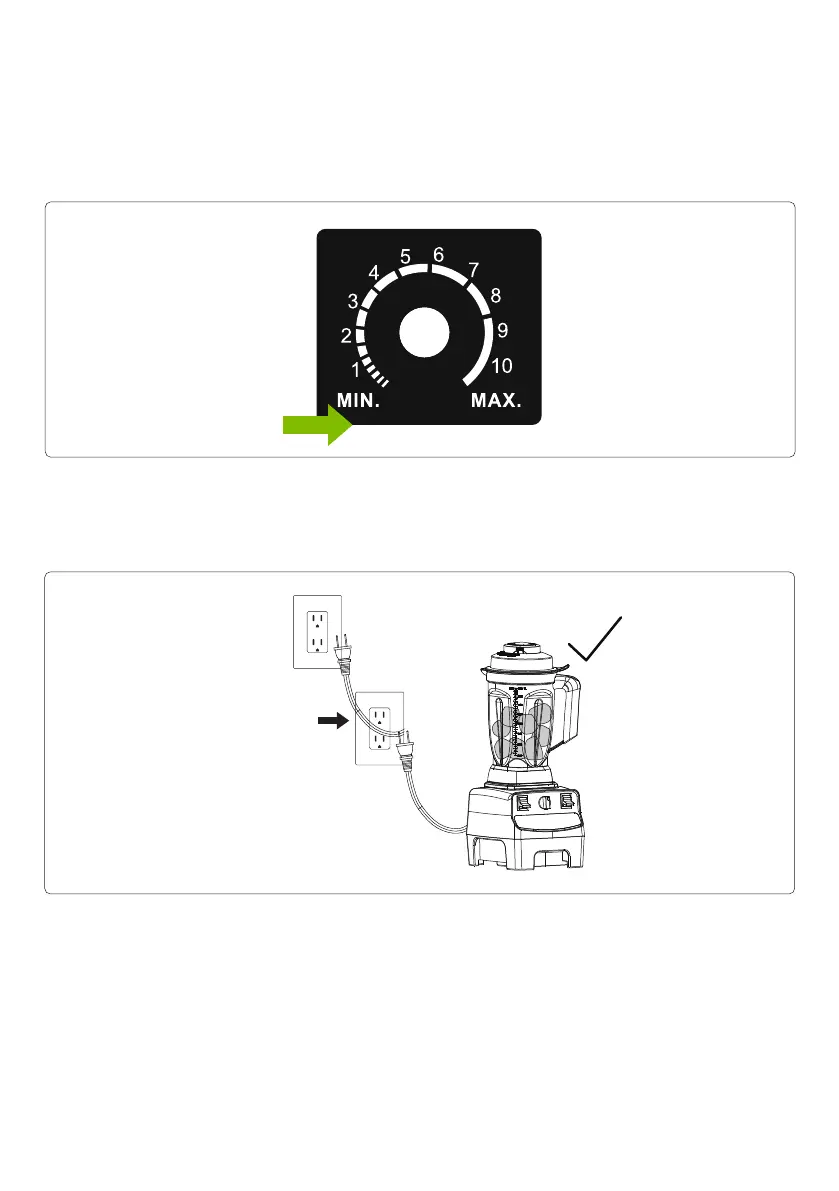
6. Check up the Variable Speed Dial. Make sure the High/Variable Switch is switched to Variable
position and the marker on Variable Speed Dial is pointing to “0” before powering on. When the
unit is connected to power and the container is correctly put onto the motor base, the unit will work at
once under the set speed that the marker on Variable Speed Dial is pointing if the marker on Variable
Speed Dial is not at “0”.
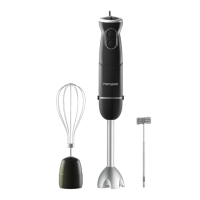
7. Plug the blender into a grounded, 2-prong outlet. On will be displayed on the LCD Display Screen
indicating that the appliance is ready for use.
Warning: Make sure the power plug is safely connected to a grounded wall electrical socket.
Warning: After plugged in, NEVER insert your hands into the container, as you may contact one of
the blades and experience a laceration.
8. Start to blend either using, Variable Speed Dial, or simply pressing a smart program button.
IMPORTANT! Never start on speeds above 0 with hot liquids to avoid possible burns. Always start
on Variable 0 and slowly increase speed. Escaping steam, or splashes from contents may scald.
Lock the lid and lid plug securely in place before operating the machine.
Power Supply
120V AC
- 10 -


 To Next Page