Navigation System 69
Information Features
Information Screen
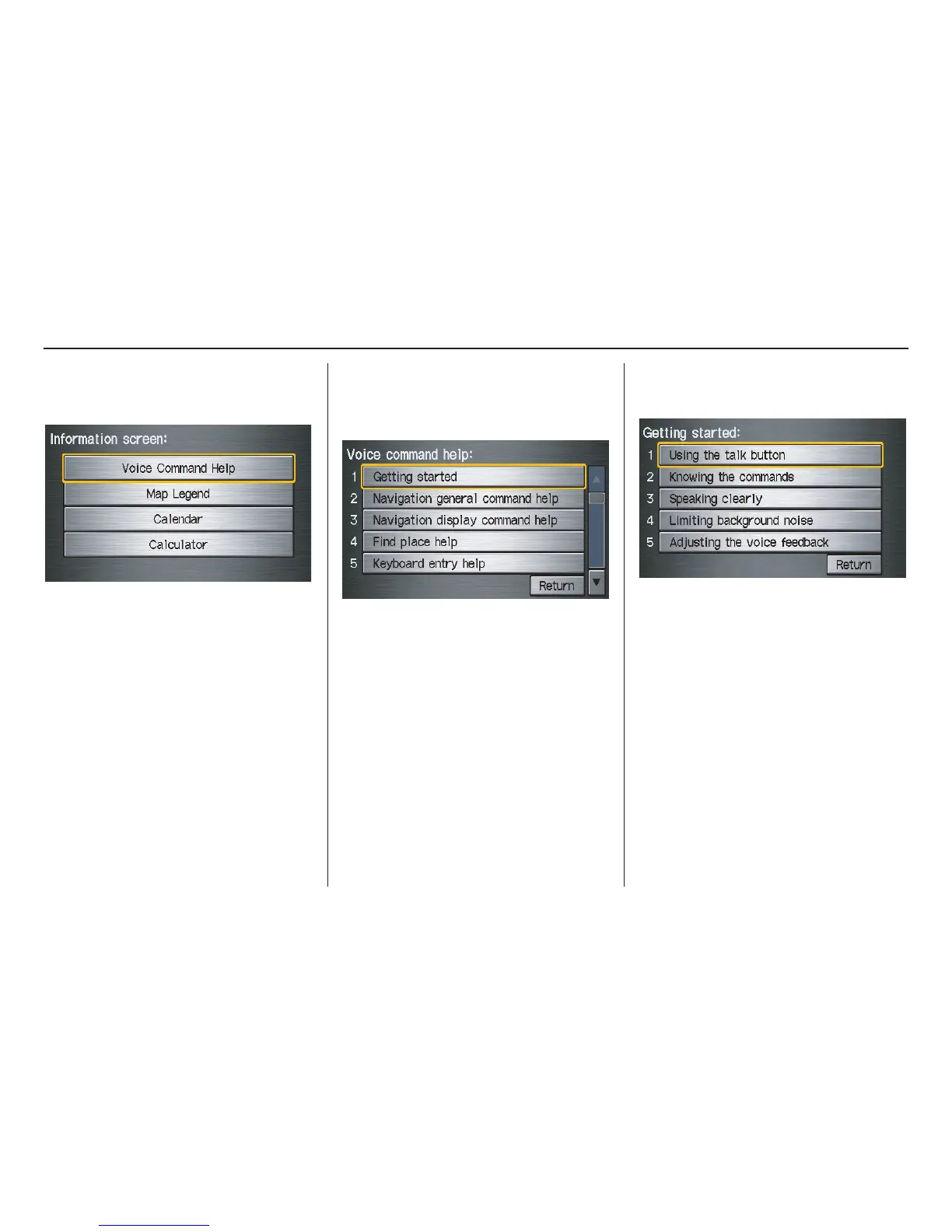
When you say “Information” or press
the INFO button, the display changes to:
NOTE:
If some items appear to be grayed out
and cannot be selected, it is because you
did not select OK on the initial
Disclaimer screen (see System Start-up
on page 16).
Voice Command Help
When you say or select Voice
Command Help, you will see the
following screen:
NOTE:
You can select an item by saying either
the line number or the item name.
There is a tutorial available for the voice
command help. Say or select Getting
started, and the display changes to:
Select the line number of the desired
tutorial you want to view, and the
tutorial will automatically be read. Press
Stop to stop the reading, or press the
CANCEL button.



 To Next Page
 Loading...