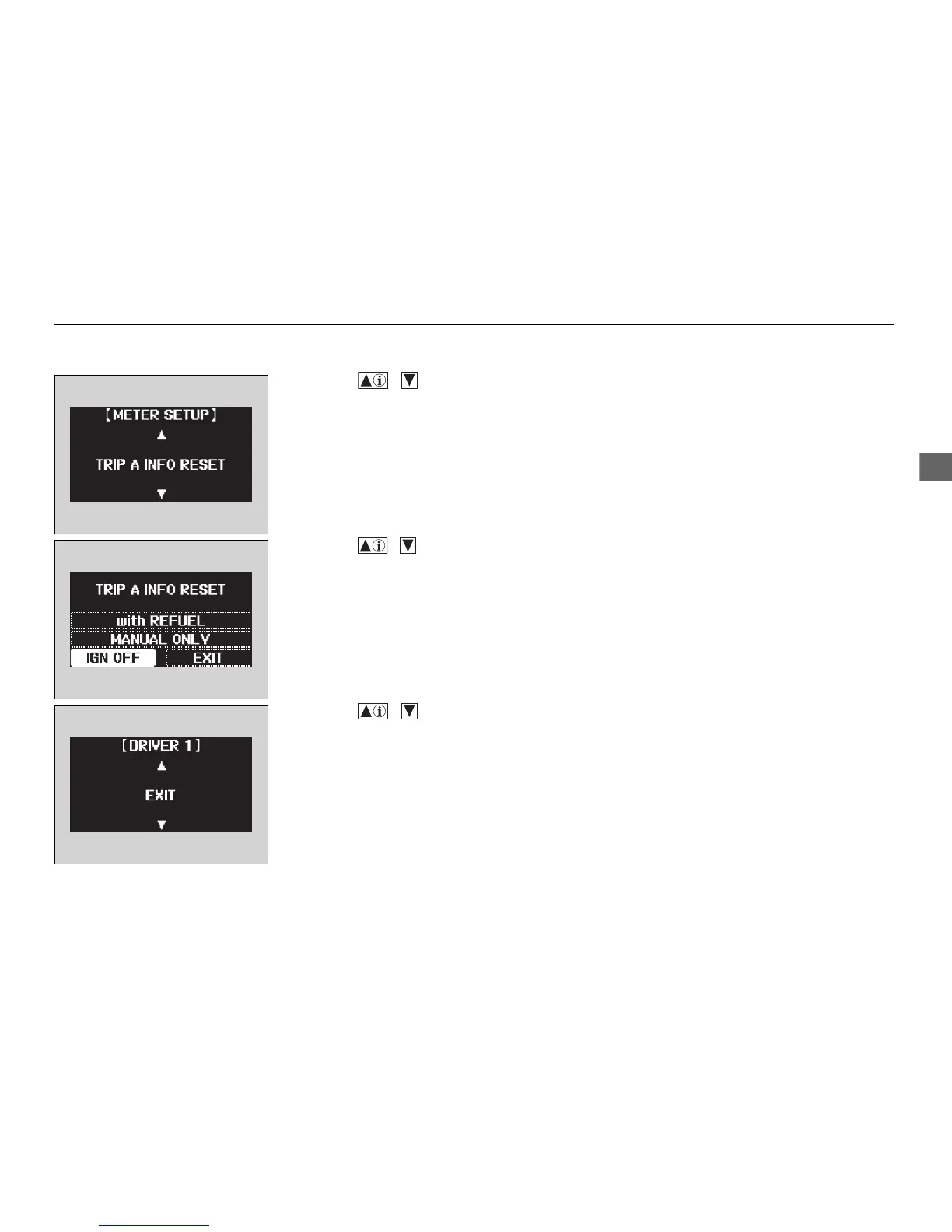
5. Press the / button until TRIP A
INFO RESET appears on the display, then
press the SEL/RESET button.
u The display switches to the setup screen,
where you can select with REFUEL,
MANUAL ON
LY, IGN OFF, or EXIT.
6. Press the / button and select with
REFUEL, then press the SEL/RESET button.
u The with REFUEL setup screen appears,
then the display returns to the customize
item screen.
7. Press the / button until EXIT
appears on the display, then press
the SEL/
RESET bu
tton.
8. Repeat Step 7 until you return to the
normal screen.















 To Next Page