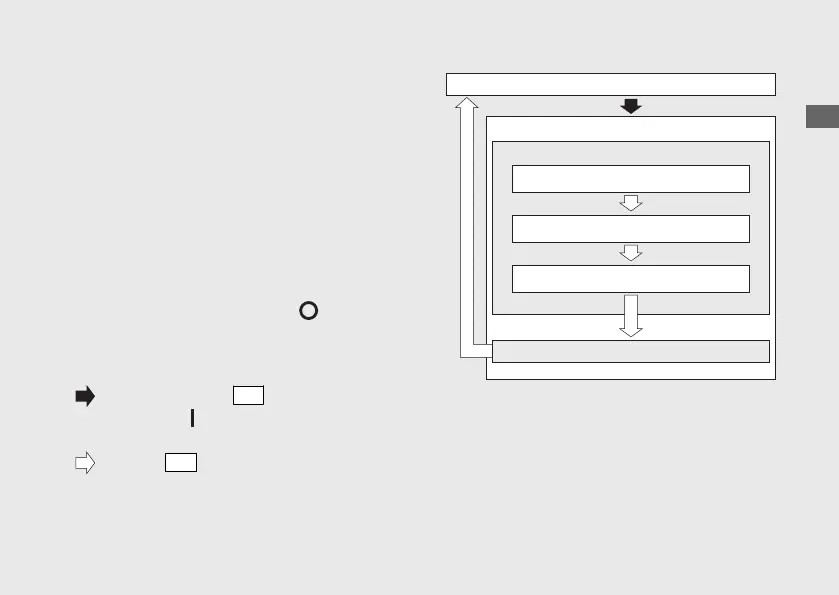
Setting Mode B
If the buttons are not pressed for about 30
seconds, the control is automatically switched
from the setting mode to the ordinary
display.
If the buttons are not pressed for about 30
seconds, items in the process of being set will
be discarded and only items that were set
and finalized will be applied. Only if the
ignition switch is turned to the (Off)
position, items in the process of being set
and those that are finalized will be applied.
Operation Guide
37
Continued
Press and hold the
SEL
button and ignition
switch to the
(On) position until the initial
animation ends
Press the
SET
button
Ordinary display
Setting Mode B
Changing of tachometer display mode
Setting of REV indicator
Brightness adjustment
Interval RPM setting
RPM setting



 To Next Page