AUDIO AND CONNECTIVITY
Adjusting the Sound
Adjust various sound settings.
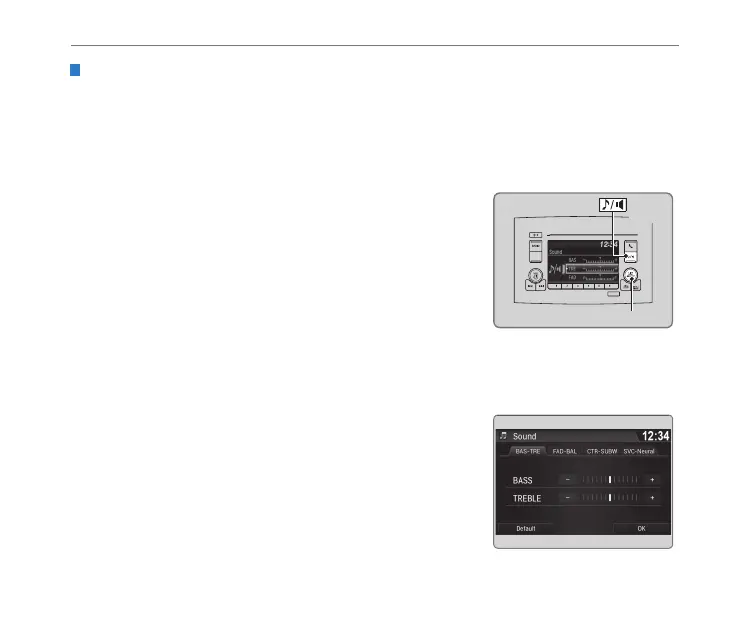
Models with Color Audio
Use the selector knob to make and enter selections.
1. Press the Sound button.
2. Select a sound mode to change and adjust it
using the selector knob.
3. Press the Back button to exit the menu.
Models with Display Audio
Make selections using the touchscreen.
1. From the HOME screen, select Settings.
2. Select Audio.
3. Select Sound.
4. Select the tabs to change the sound mode and
adjust the setting.
5. Select OK when complete.
Selector knob
Sound
button















 To Next Page