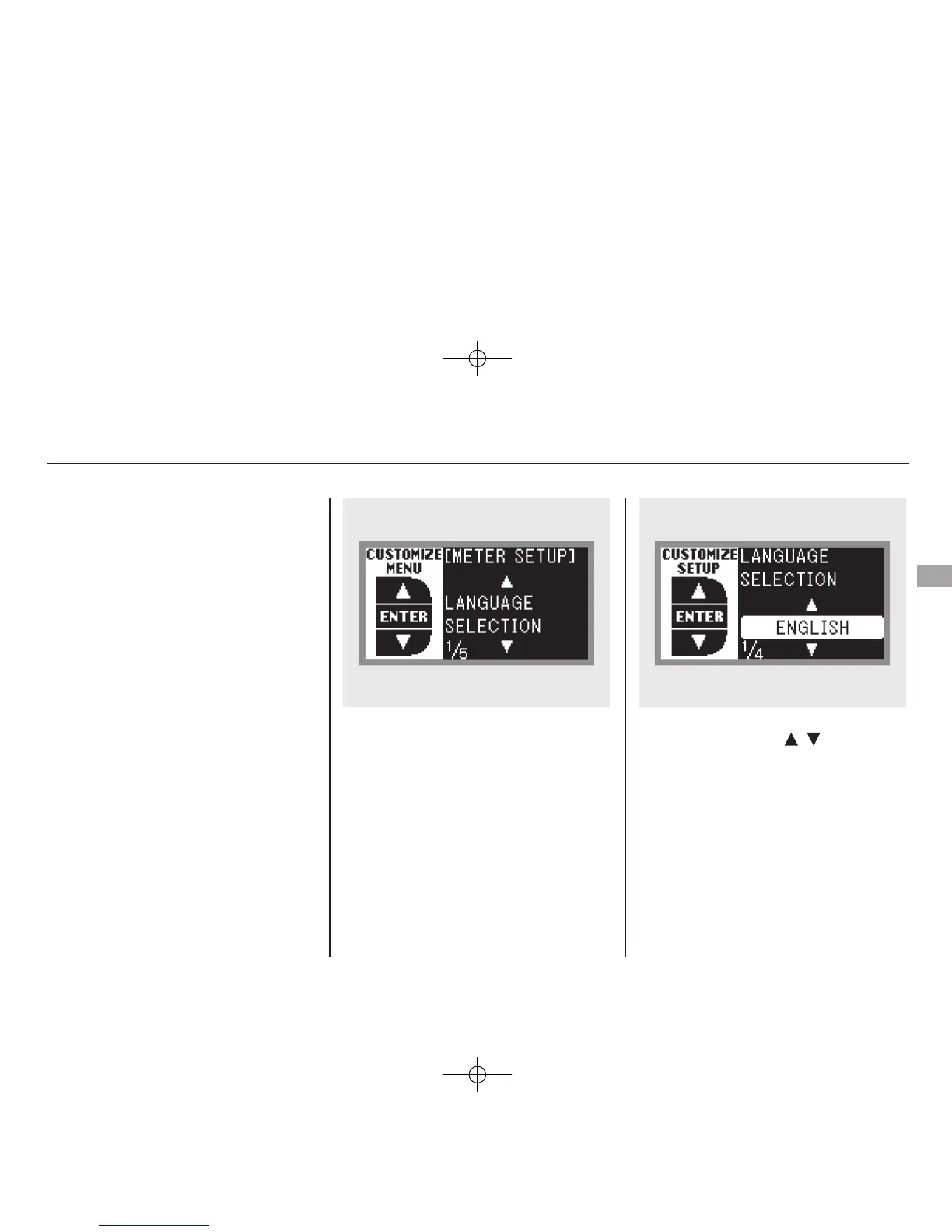
Language Selection
There are three language selections
you can make: English, French, and
Spanish. To choose the language you
want, follow these instructions:
While ‘‘METER SETUP’’ is shown in
the ‘‘CUSTOMIZE GROUP’’ of the
multi-information display, press the
SEL/RESET button. You will see the
above display.
Select the desired language by
pressing the INFO (
/ ) button,
then enter your selection by pressing
the SEL/RESET button.
CONTINUED
Multi-Information Display
89
Instruments and Controls
11/06/16 17:42:51 12 ACURA RDX MMC North America Owner's M 50 31STK650 enu









 To Next Page