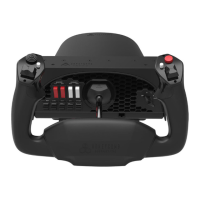
Need help?
Do you have a question about the Honeycomb Aeronautical THROTTLE PACK and is the answer not in the manual?
Contact details including phone number, email, and support website for Honeycomb Aeronautical.
Contact details including phone number, email, and website for Aerosoft support.
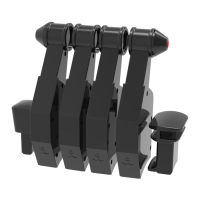
Lists all the components included with the Throttle Pack.
Details the key functionalities and capabilities of the Throttle Pack.
Instructions for connecting the device and launching the simulation program.
Instructions for removing magnetic auto throttle disconnect buttons.
Instructions for attaching levers and A/T disconnect buttons to the device.
 General
| Manufacturer | Honeycomb Aeronautical |
|---|---|
| Connection Type | USB |
| Axes | 6 |
| Compatibility | PC |
| Material | Plastic |
| Product Name | Honeycomb Aeronautical THROTTLE PACK |

 To Next Page