MAN0597 ISSUE 08 - 02/04
2302M5030
2. GETTING STARTED
25
2.4 DRY-CELL BATTERY INSERTION
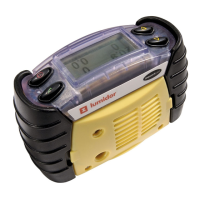
(1) Undo the two battery compartments (7) using the tool
(9) provided, on the bottom of each instrument.
(2) Release each dry-cell battery holder and remove the
cells if fitted.
(3) Insert new cells, ensuring correct orientation by
checking that the negative terminal is at the same end
as indicated on the moulding. Ensure they are of the
correct type, to comply with the intrinsic safety
requirements.
(4) Replace dry-cell holders in the battery compartments,
and retighten cover screws.
(5) Instrument is now ready for use.
+
+
-



 To Next Page
 Loading...