MAN0597 ISSUE 08 - 02/04
2302M5030
3. INSTRUMENT START-UP
28
3. INSTRUMENT START-UP
3.1 INSTRUMENT INFORMATION
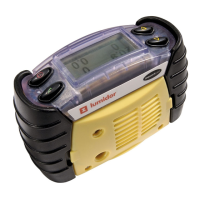
After turning the instrument on it will display the information in
the following autosequence (depending on model):
The first display identifies the model.
Whilst this is shown the alarms are
tested, If a vibrating alarm is fitted this
is also activated. Whilst this screen is
displayed, pressing the button will
cause the instrument to identify the
version of software installed and the
instrument serial number.
A Language Selection Screen is then
shown (first use only). Use the
! and
# buttons to highlight the required
language and press the
" key to
make the selection. Note that some of
the languages may be 'off screen' -
use the
! and # buttons to access
these.
The language can be changed at a
later time, if required. See section
4.7.6 for details.
The display then shows the gas that
the flammable sensor is set to
monitor, the sensors fitted and when
the calibration is due (if the calibration
is due in less than 30 days).
English
Language
French
Italiano
Deutsch
Español
French
Language
Deutsch
Español
Italiano
Nederlands



 To Next Page
 Loading...