MAN0597 ISSUE 08 - 02/04
2302M5030
4. OPERATION
61
Cartridges manufactured before 1/2/2002 have the following
calibration gas limits:
Minimum Maximum
Flammable (%lel): 25% 100%
CO: 100ppm 500ppm
H
2
S: 15ppm 50ppm
CO
2
: 0.5% v/v 3.0% v/v
Cartridges manufactured after 1/2/2002 have the following
calibration gas limits:
Minimum Maximum
Flammable (%lel): 25% 100%
Flammable (%vol): 1.2% 5.0%
CO: 80ppm 500ppm
H
2
S: 15ppm 50ppm
CO
2
: 0.5% v/v 3.0% v/v
Performing a manual calibration using settings lower than
these specified minima will result in a calibration failure.
4.9.3 Flow Calibration – PC
For this function the user will require the Impact Configuration
Utility (ICU) PC software, serial cable, Base Station and Power
supply. These items can be purchased as part of the
DataLogging kit (available separately).
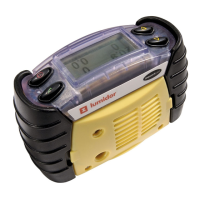
Place the Impact into the basestation and ensure that there is
power connected. Switch the Impact on, and then follow the
instructions on the computer.
The instrument will display the readings whilst the calibration
process is occurring and the symbol will be displayed in the
centre of the display.
The software is designed to be easy to use and has its own
manual and online help.



 To Next Page
 Loading...