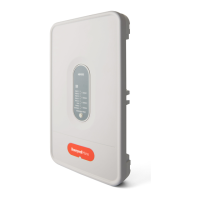
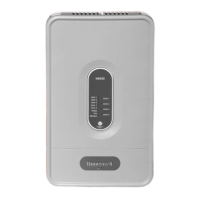
TZ-3 TOTALZONE® ZONE CONTROL PANEL
68-0223-2 14
Table 6. DIP Switch Settings and Functions.
Table 7. LED Indicators.
DIP Switch Function Off (default) On
1 Sta
in
b
number of zones
callin
.
Sta
es timer or thermostat
controlled.
Sta
es controlled b
number of zones
callin
.
2 ZMS low limit. 40°F 48°F
3 Pur
e mode timin
. Three and one-half minutes. Two minutes.
4 Fan control durin
ur
e. Controlled b
anel. HVAC e
ui
ment controlled
5 Control of W2 out
u.t Timer controlled. Controlled b
W2 from thermostat,
6 Cool chan
eover from
thermostat.
Not usin
B on sin
le Y
thermostats; or usin
conventional thermostats.
Usin
B on sin
le Y thermostat.
7 Heat chan
eover from
thermostat.
Not usin
O on sin
le Y
thermostats; or usin
conventional thermostats.
Usin
O on sin
le Y thermostat.
8 Fan control in heat. Fan controlled b
anel in cool
and HVAC e
ui
ment in heat.
Panel in heat and cool controllin
fan.
LED Color Illuminated Not Illuminated Flashing
Heat Red Heat call No heat calls. Hi
h limit reached
Cool Green Cool call No cool calls. Low limit reached
Pur
e Amber Pur
e mode Not in Pur
e mode. ZMS failure
Idle Red No calls Call for heat, cool, or fan. Initial
oweru
without ZMS
wired
Fan Green Fan onl
call No fan onl
call. —
EM Heat Red Emer
enc
Heat mode Not in emer
enc
Heat mode. —
Zone 1,2,3 Zone
1,2,3
Green—o
en
Red—closed
Amber—movin
some
dam
ers
— —



 To Next Page
 Loading...