More Gestures
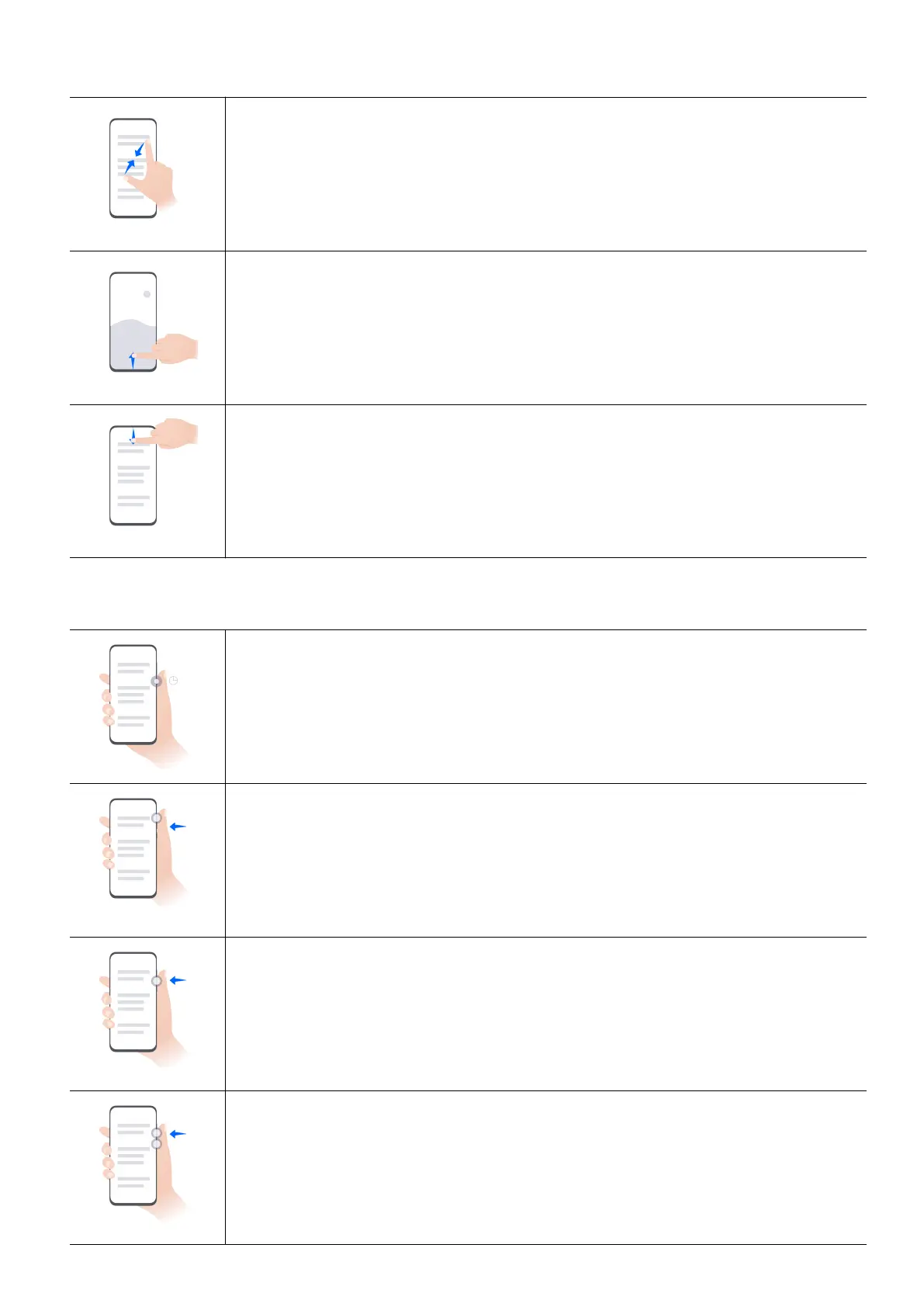
Access Home screen editing mode
Pinch two fingers together on the home screen.
Display the shortcut panel on the lock screen
Swipe up from the bottom of the lock screen.
Open the notification panel
Swipe down from the status bar.
Button Shortcuts
Power off and restart
Press and hold the Power button until the Power off and Restart options
appear.
Increase the volume
Press the Volume up button.
Decrease the volume
Press the Volume down button.
Take a screenshot
Press the Volume down and Power buttons simultaneously.
Essentials
3















 To Next Page