Take a Screenshot
Use Your Knuckle to Take a Screenshot
1 Go to Settings > Accessibility features > Shortcuts & gestures > Take screenshot, and
ensure that Knuckle screenshots is enabled.
2 Knock the screen twice in quick succession with one knuckle to take a screenshot.
Use a Key Combination to Take a Screenshot
Press and hold the Power and Volume down buttons simultaneously to take a screenshot.
Take screenshots with the shortcut button
Swipe down from the status bar to access the notification panel (can swipe down further). Tap
to take the full screenshot.
Share and Edit a Screenshot or Switch to Scrollshot
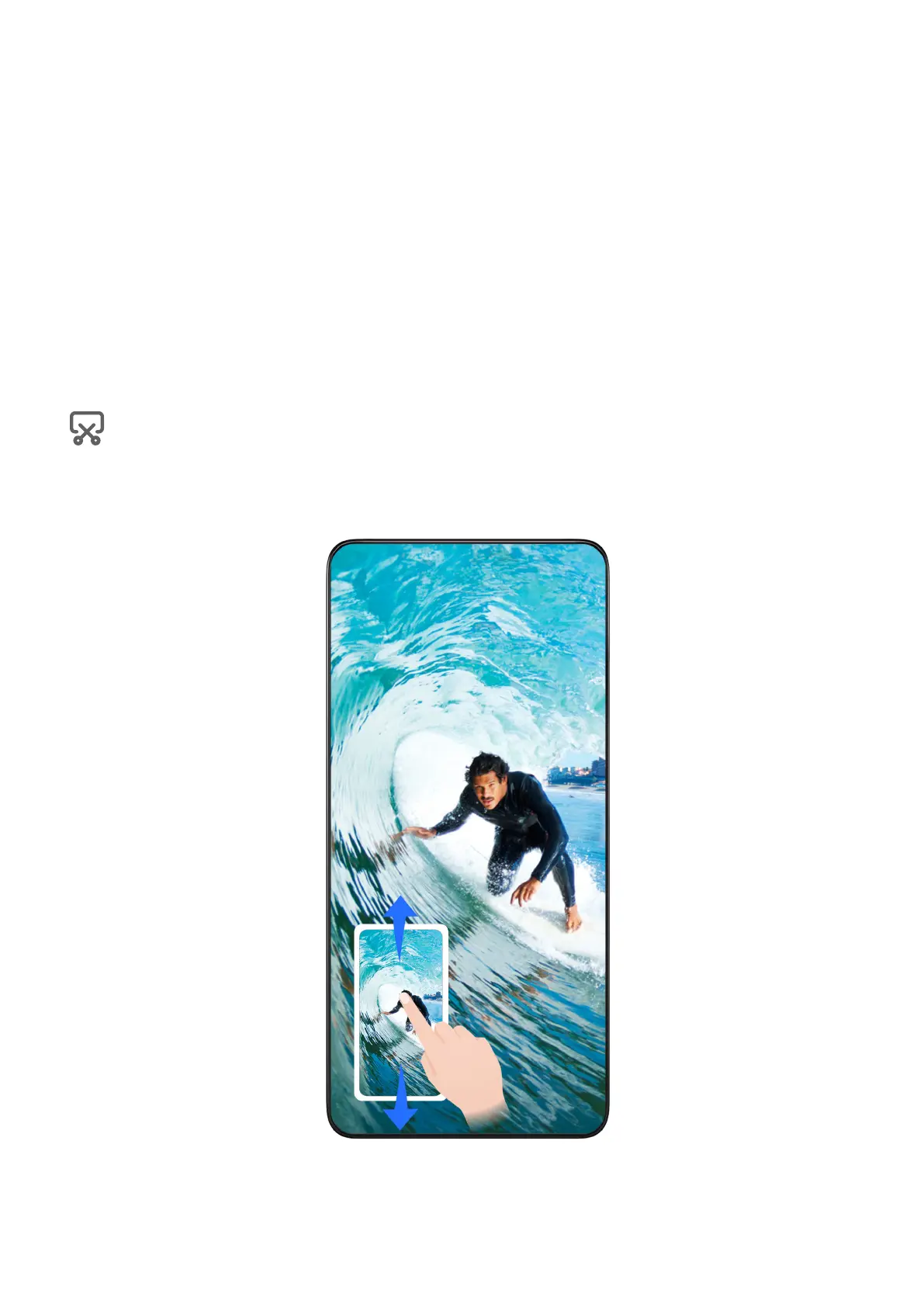
After you take a screenshot, a thumbnail will be displayed in the lower left corner of the screen.
You can then:
• Swipe down on the thumbnail to take a scrolling screenshot.
Essentials
11















 To Next Page