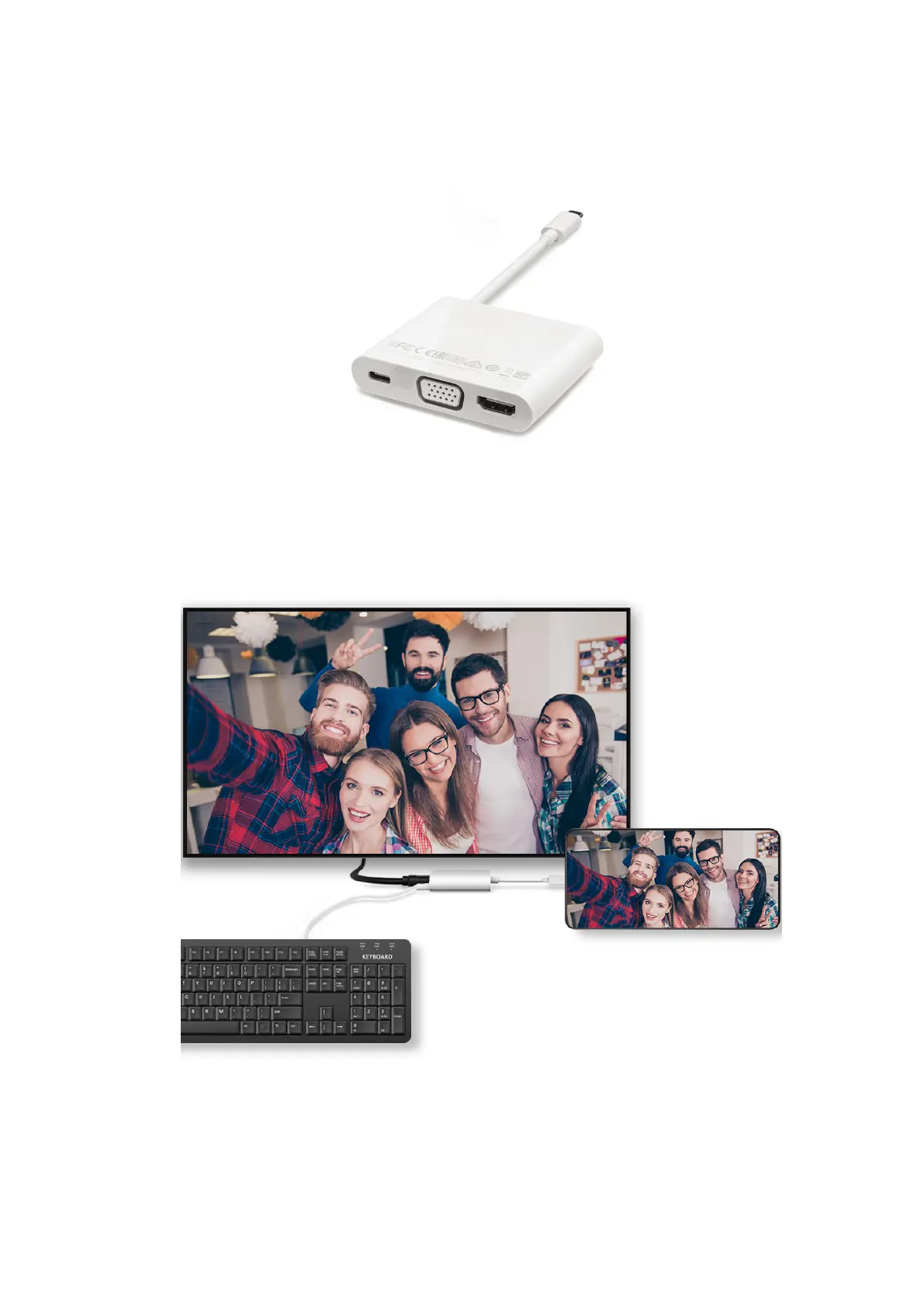
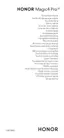
1 Prepare a docking station.
Multiple types of ports are available on a docking station. If the large display supports HDMI
and you need to use a wired mouse and keyboard, use a docking station with at least one
HDMI port and two USB ports.
2 Connect your phone and the large display to the docking station, then connect the wired
mouse and keyboard to the docking station.
3 On the external display, set the corresponding HDMI, DP, or MiniDP input as the signal
source.
Smart Features
26















 To Next Page