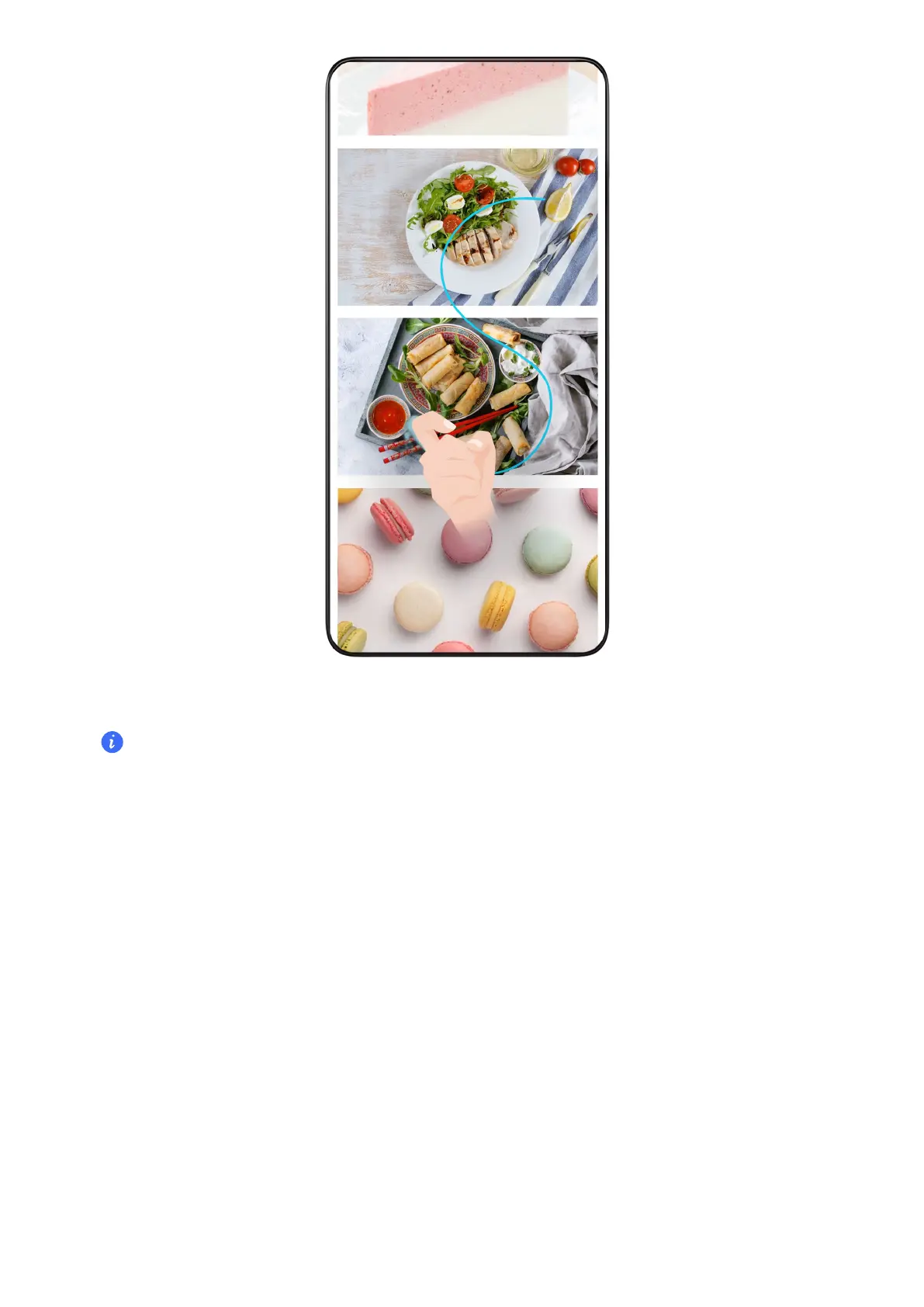
1 Tap the screen with one knuckle and keep your knuckle on the screen, apply a little force to
draw an "S" shape, and the screen will automatically scroll down to take a screenshot.
When
using this function for the rst time, please follow the system instructions to enable
Scrollshot.
2 During scrolling, tap on the scrolling area to stop taking the screenshot.
Swipe Down Using Three Fingers to Take a Screenshot
1 Go to Settings > Accessibility features > Shortcuts & gestures > Take screenshot, and
ensure that Three-nger screenshot is enabled.
2 Swipe down from the middle of the screen with three ngers to take a screenshot.
Take a Partial Screenshot
Essentials
10



 To Next Page