6 7
Indicator
Steady green
Steady red
Flashing
Connected to the network
Not connected to the network
• Loose cable or connect error. Check the cable.
• Broadband network error. Contact your broadband carrier.
The router has detected a pairable device.
When other HUAWEI/HONOR routers (with H or Hi button) are detected,
the indicator on the HONOR Router 3 will flash. When this happens,
press the HONOR Router 3's H button. The indicator should ash quickly,
indicating that the pairable device is connecting to the HONOR Router 3.
The connection process is complete when the indicator stops ashing.
• If you touched the H button by accident, wait for 2 minutes till the indicator
returns to normal.
• The H button also features WPS functionality.
Manage the router with our mobile app
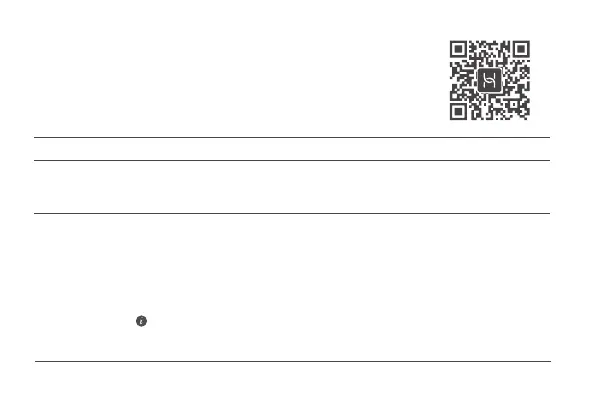
Scan the QR code to download and install the HUAWEI smart
device management app on your mobile phone or tablet. You can
use the app to manage your router.


 To Next Page
 Loading...