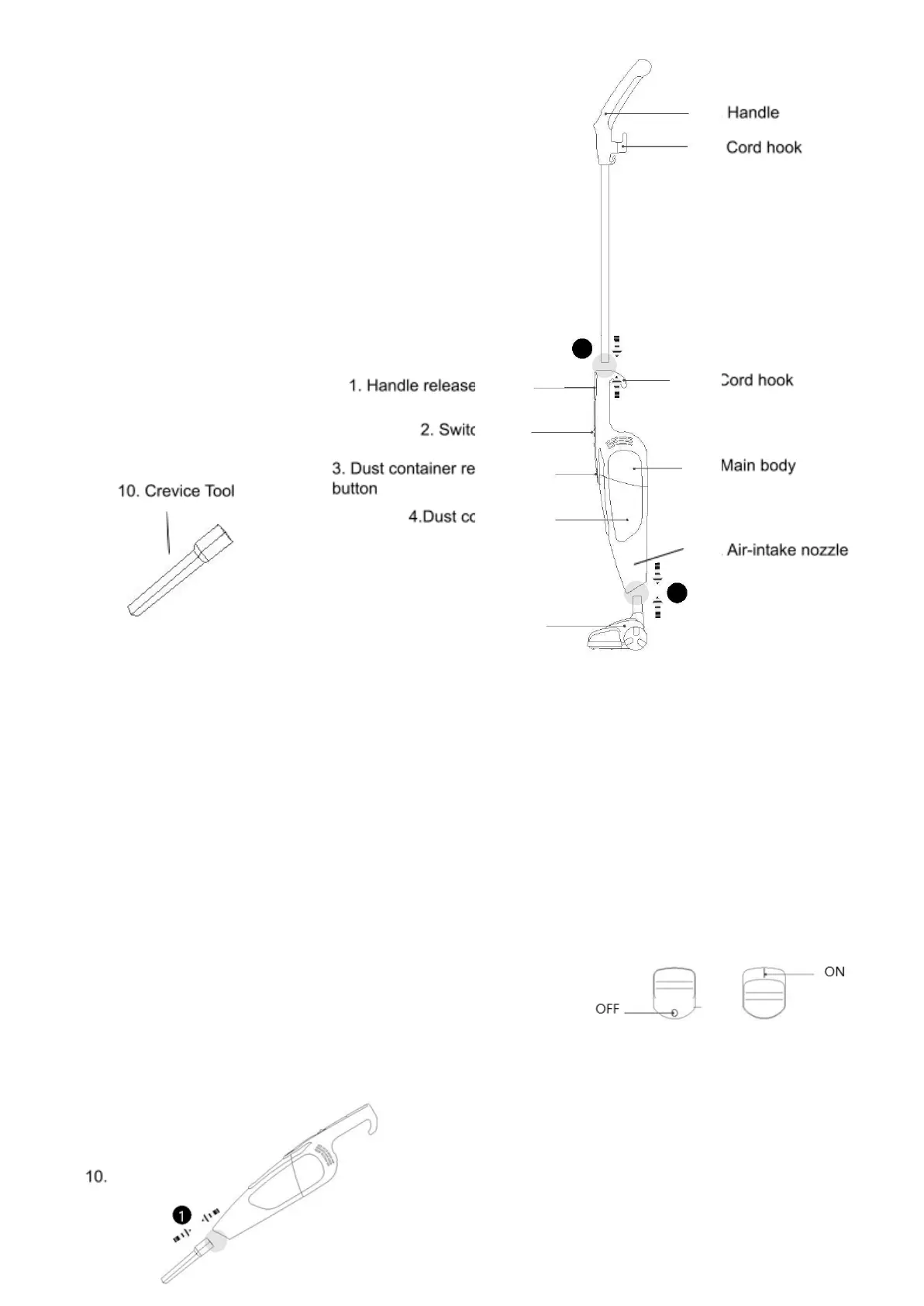
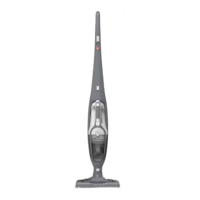
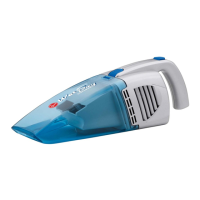
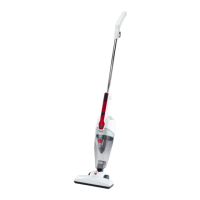
PARTS DIAGRAM
1 Handle release button
2 On/Off Switch
3 Dust container release button
4 Dust container
5 Brush
6 Handle
7 Cord hook
8 Cord hook
9 Main body
ASSEMBLING THE PRODUCT
A. Connect the handle to the main body.
Insert the handle (6) to the rear of the main body (9).
press the handle release button (1) and pull the handle if you want to
remove the handle.
B. Connect the brush to the main body.
Insert the brush (5) in to the front of the main body (9).
OPERATING INSTRUCTIONS
CAUTION: The air-intake nozzle (11) and attachments must always be free of obstructions,
otherwise the motor will overheat and could be damaged.
3. To start the vacuum, push the on/off switch to the “On” position.
4. To turn the vacuum “Off”, push the on/off switch to the “Off”
position.
5. The crevice tool (10) can be used to clean narrow, hard to reach places.
Attach the crevice tool by pushing it into the air-intake nozzle (11).


 To Next Page