12
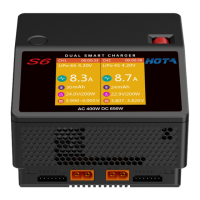
S6 AC/DC Dual Channel Smart Charger
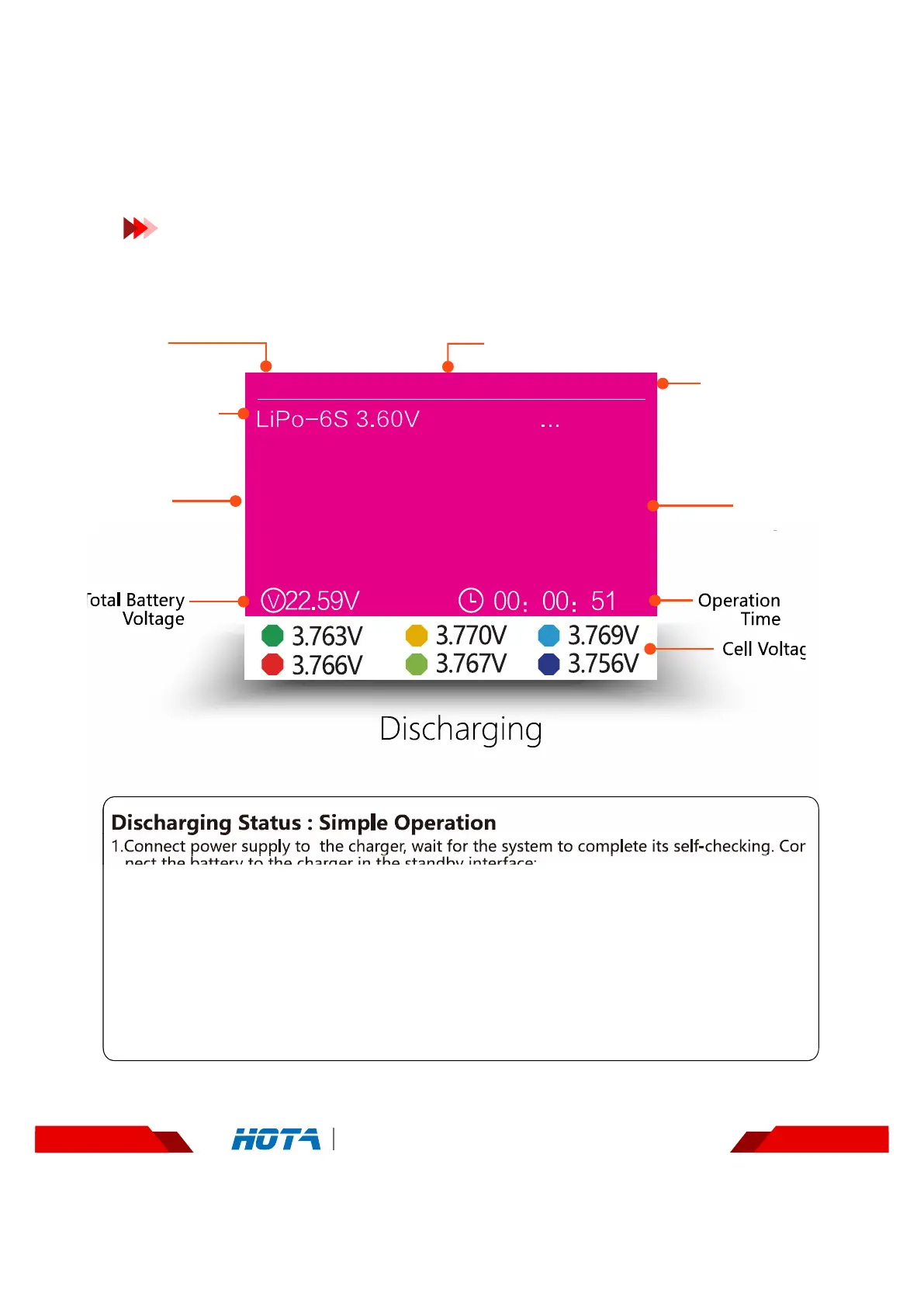
Discharging
Operation and Setup
Working parameters Display
Discharging Status : Simple Operation
1.Connect power supply to the charger, wait for the system to complete its self-checking. Con
nect the battery to the charger in the standby interface;
2. After selecting the corresponding channel, short press the speed shuttle key to pop upthe
"Task Settings” menu, set the task to "Discharge" ; adjust the task parameters andshort
press the speed shuttle key to start the task;
Scroll the speed shuttle key during operation can switch the display information in the lower half of the screen which are
cell voltage and operating data ; the cell voltage can only be displayed in the mode of balance charging;
3. When the discharge task is executing, short press the speed shuttle key can pop up the
"Adjust Task” menu to adjust the discharge current ; long press the CH key can stop
the current task;
4. Enjoy.
Operation
Time
C a p a c i t y
charged
O u t p u t
Current
Total Battery
Voltage
Cell Voltage
Device Name
Current
channel
CH1
空闲
00:00:00
CH2
1
4
2
5
3
6
37%
Discharging
0.2 A
-4 mAh
Name
Battery parameters
and task status
Percentage of task
completion


 To Next Page