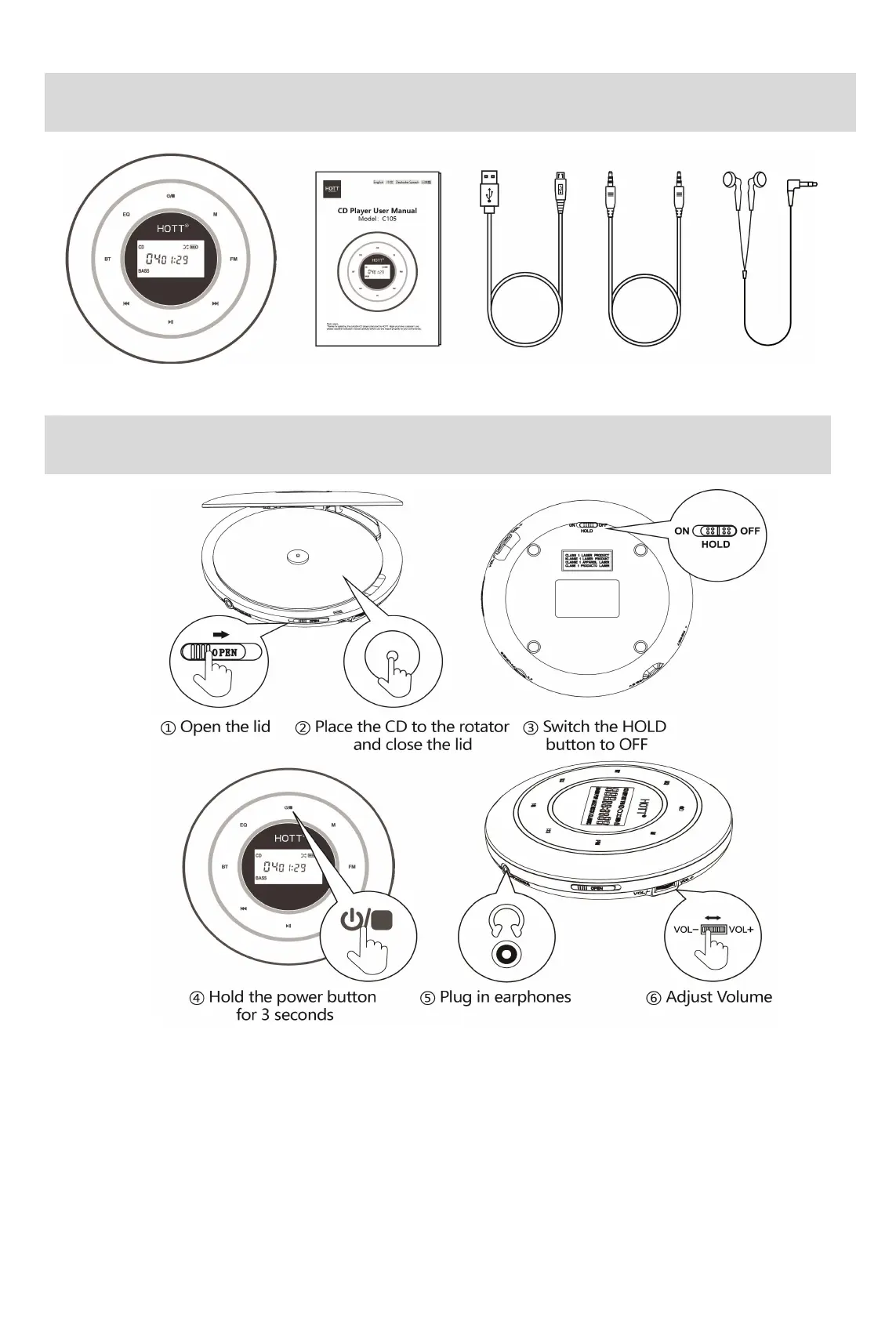
Accessories
CD player Operation manual power cable Audio cable Earphone
Start Step
Tip:
※ When the HOLD button is in ON position, all functionality buttons are locked. When
the HOLD button is in OFF position, CD Player can be used normally.
※ The screen will turn off after 30 seconds of inactivity as a screen saver function. Press
any button to reactivate.
※ Please do not use discs with severe scratches, fingerprints, or dirt. It might cause
failure to read and CD Player itself, or affect the service life of laser head.



 To Next Page