5. :Sound effect mode
Press EQ to switch sound effect mode
EQ mode: BASS→ POP→ JAZZ→ ROCK→ CLASSIC
6. :Play mode
Press M to switch play mode
Bluetooth Function Introduction
Before connecting with Bluetooth, please turn on the Bluetooth device that needs to
be connected, and turn off other devices that do not need to be connected to avoid
interferences;
In some cases some products may not be able to pair with this CD Player due to
Bluetooth compatibility difference, please use the Audio Cable in the product
accessories to connect. When a car stereo is not connecting, you can choose to use
the FM transmitter to connect;
When connecting a Bluetooth device, please unplug the headset, Bluetooth and
headset cannot output audio at the same time;
FM radio and Bluetooth cannot be used at the same time.
1. Bluetooth speaker/headset Connection:
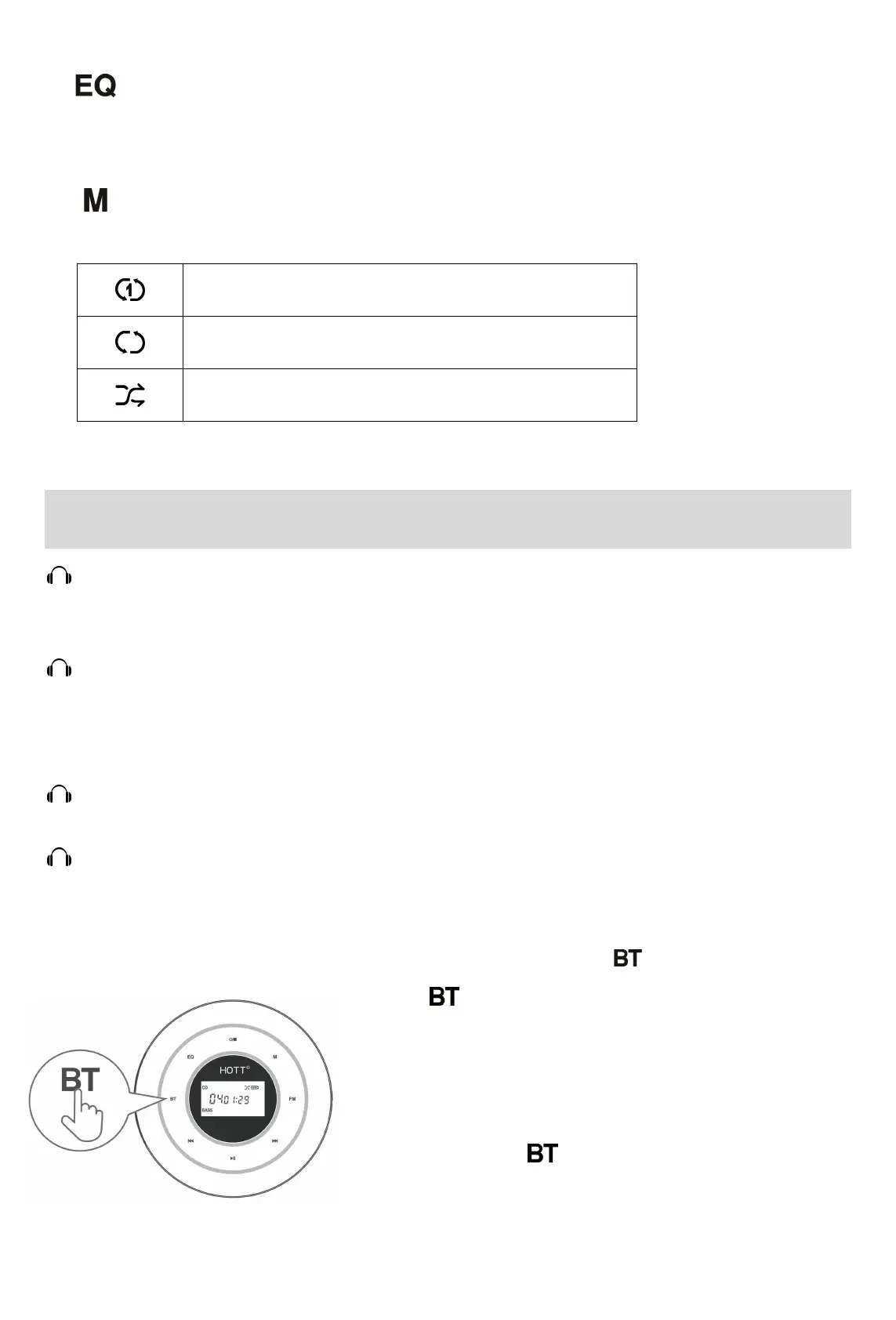
1) When CD Player is on, hold to turn on Bluetooth;
2) When is flickering, the devise is
ready to connect;
3) Turn on the Bluetooth speaker/headset to enter
pairing mode;
4) Once connected, will stop flickering, The
connection processmay take 20s~60s.



 To Next Page