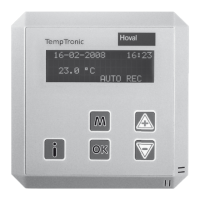
TempTronic RC
Operating Manual
Art. No. 4 206 403-en-00 / Page 12
Example:
The following operating modes are to be programmed:
Days Period Operating mode
Mo - Fr 00:00 - 06:30 RECN
06:30 - 07:30 REC
07:30 - 17:00 SA2
17:00 - 24:00 RECN
Sa - Su 00:00 - 24:00 RECN
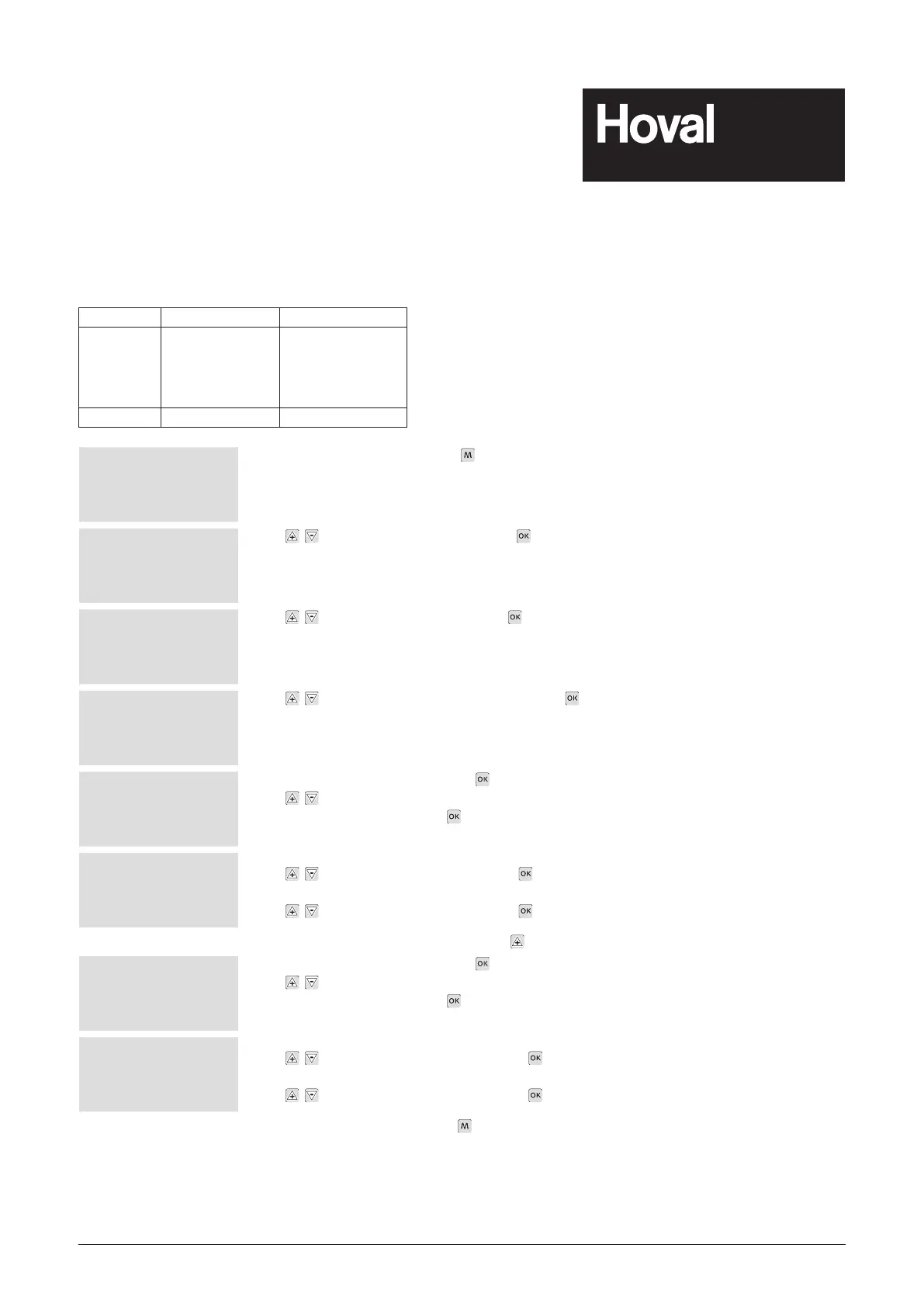
29-02-2008 09:10
22.8 °C
AUTO REC
To access the main menu, press .
29-02-2008 09:10
Password
>Settings 1
Settings 2
Use to select 'Settings 1' and press .
Settings 1
Set values
>Program
Fresh air rate
Use to select 'Program' and press .
Program
Calendar
>Week program
Use to select 'Week programme' and press .
Week program 1
OFF
00:00
00:00
Activate week programme 1: press .
Use
to select the day programme
'MO TU WE TH FR' and press
.
Week program 1
MO TU WE TH FR
06:30 REC
07:30 SA2
Switching point 1:
Use
to set '06', '30', 'REC' pressing each time.
Switching point 2:
Use
to set '07', '30', 'REC' pressing each time.
To carry on to week programme 2: press
.
Week program 2
OFF
00:00
00:00
Activate week programme 2: press .
Use
to select the day programme
'MO TU WE TH FR' and press
.
Week program 1
MO TU WE TH FR
17:00 RECN
00:00 RECN
Switching point 1:
Use
to set '17', '00', 'RECN', pressing each time.
Switching point 2:
Use
to set '00', '00', 'RECN', pressing each time.
Return to start up screen: Press
four times.


 To Next Page
 Loading...