hp calculators
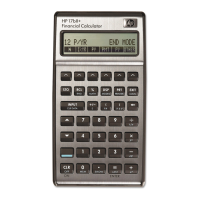
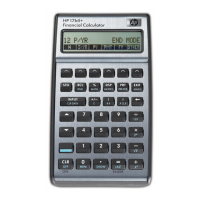
HP 17bII+ Time-Value-Of-Money
Insert the annual interest rate by pressing ‘7’ and ‘I%YR.’
Don’t worry, the calculator will know to compute 1/12th of the
annual rate every month because you have pre-set your
calculator to 12 payments per year.
Your HP 17bll+ has all the information it needs to solve for
the loan payment that will pay back this loan. Just hit ‘PMT.’
You should have -$1,995.91.
From Whose Point of View?
Why the negative sign? Recall that we put in the loan amount,
the $300,000., as a positive number because we were doing
this from the borrower’s point of view. Now that we know
what the borrower must pay back every month, that loan
payment should be shown as a negative, since the money every
month is flowing away from the borrower. Had we done this
from the lender’s point of view, the $300,000. would have been
put in as a negative, but the loan payment coming to the lender
every month would have come up in the ‘PMT’ register as a
positive.
The Keystrokes
To summarize, the keystrokes for computing this loan
payment are:
300000
PV
30
SK
N
7
I%YR
PMT Answer: -1,995.91
You can solve for any of the variables (registers) in this TVM
menu.
Solve for a Different Variable
Let’s change this problem a little and say the borrower
has only budgeted for a loan payment of $1,500. every month. If
the interest rate and term offered by the lender remain the
same, how much money could the homebuyer borrow and stay
within budget?
Don’t clear your calculator. Just change the information that
needs to be changed. The ‘N’ and ‘I%YR’ registers will stay
the same. The difference here is that what was a known
variable, the loan amount, is now what we are trying to solve
for. But we do know what the loan payment is going to be,
namely that $1,500. the borrower has set. So, put the payment
in by pressing ‘1500,’ ‘+/-,’ and ‘PMT.’ The payment must be
hp calculators - 7 - HP 17bII+ Time-Value-Of-Money


 To Next Page