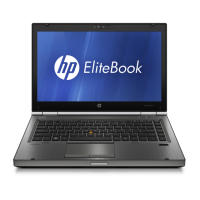
Setting up the computer
CAUTION:
Reduce the risk of file corruption by observing the following
practices during the hardware and software setup procedures:
Do not unplug the computer from external power.
Do not shut down the computer or initiate Sleep or Hibernation.
Computer setup involves the following tasks:
1. Inserting the battery into the computer
2. Connecting the computer to external power
NOTE:
The battery begins to charge.
3. Turning on the computer
4. Setting up the software
5. Creating recovery discs (recommended)
NOTE:
Refer to Appendix A, "Backup and recovery," for instructions.
2 Chapter 1 First-time setup


 To Next Page
 Loading...