87
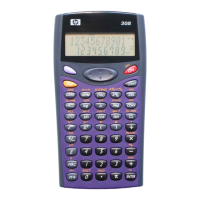
2) Remove the battery cover.
3) Load a new battery into the calculator with its positive
and negative
ends facing correctly.
4) Replace the battery cover.
5) Perform the following key operation:
(CLR) (All) (Yes).
Make sure to perform the key operation.
Auto Power Off
Your calculator will turn off automatically if you do not perform
any operation for about eight minutes. If this happens, press
the
key to turn the calculator back on.
Specifications
Power Requirements:
Battery: LR44
1 year (when used 1 hr/day)
Operating Temperature: 0
°C to 40°C
Bundled Items: Hard Case


 To Next Page