Printer Function
Perform the following steps to print out the information of the
CORRECTION
page using the PRINT DISP mo de.
1. Connect the HP 4284A to the printer using an HP-IB cable.
2. Set the printer to the Listen Only mo de.
3. Set the Talk Only mo de to ON from the
SYSTEM CONFIG
page.
4.
Press
4
MEAS SETUP
5
, and
NNNNNNNNNNNNNNNNNNNNNNNNNNNNNNNN
CORRECTION
to display the
CORRECTION
page.
5. Move the cursor to the
SYS MENU
eld.
6. Press
NNNNNNNNNNNNNNNNNNNNNNNNNNNNNNNN
PRINT DISP
to print out the display page. The display
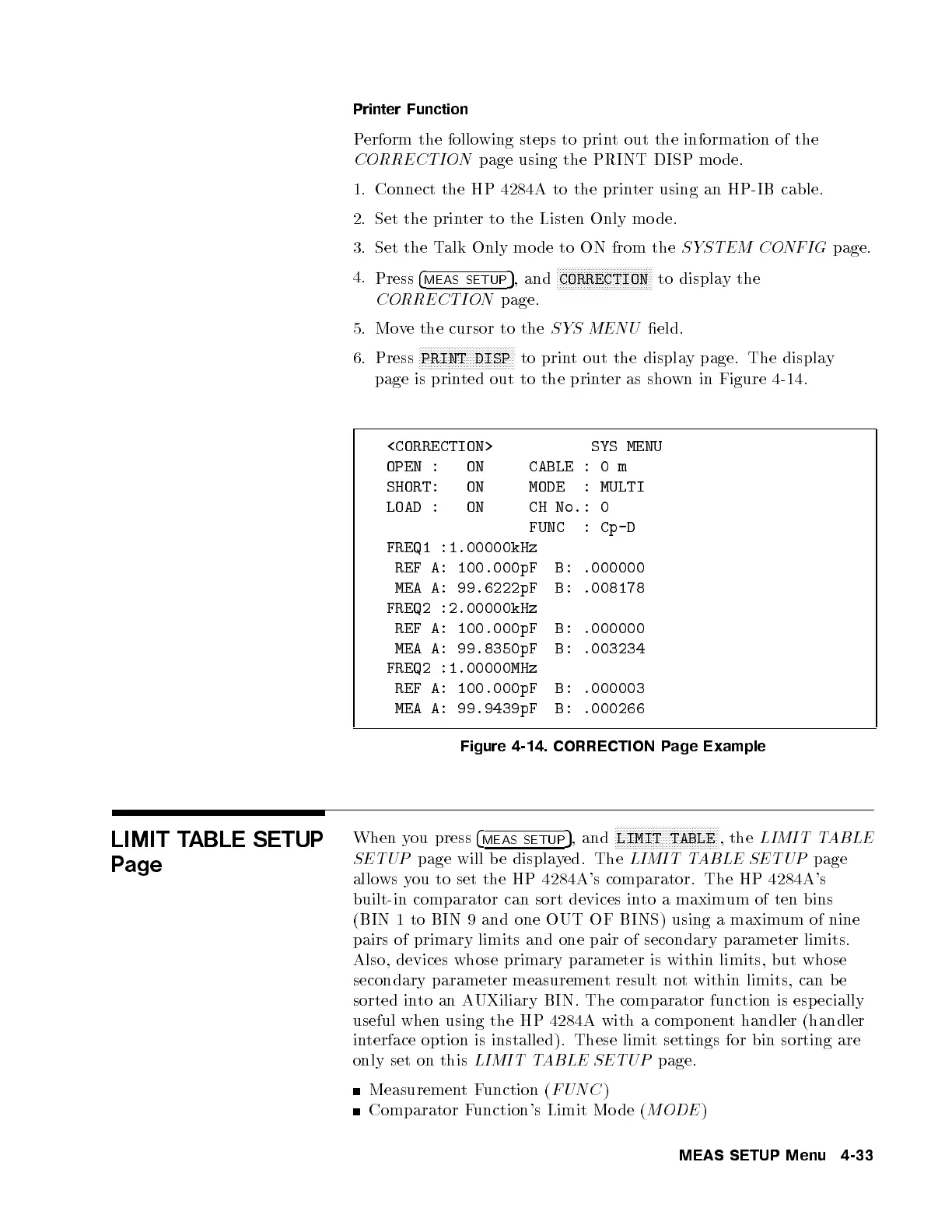
page is printed out to the printer as shown in Figure 4-14.
<CORRECTION> SYS MENU
OPEN : ON CABLE : 0 m
SHORT: ON MODE : MULTI
LOAD : ON CH No.: 0
FUNC : Cp-D
FREQ1 :1.00000kHz
REF A: 100.000pF B: .000000
MEA A: 99.6222pF B: .008178
FREQ2 :2.00000kHz
REF A: 100.000pF B: .000000
MEA A: 99.8350pF B: .003234
FREQ2 :1.00000MHz
REF A: 100.000pF B: .000003
MEA A: 99.9439pF B: .000266
Figure 4-14. CORRECTION Page Example
LIMIT TABLE SETUP
Page
When you press
4
MEAS SETUP
5
, and
NNNNNNNNNNNNNNNNNNNNNNNNNNNNNNNNNNN
LIMIT TABLE
, the
LIMIT TABLE
SETUP
page will be displayed. The
LIMIT TABLE SETUP
page
allows you to set the HP 4284A's comparator. The HP 4284A's
built-in comparator can sort devices into a maximum of ten bins
(BIN 1 to BIN 9 and one OUT OF BINS) using a maximum of nine
pairs of primary limits and one pair of secondary parameter limits.
Also, devices whose primary parameter is within limits, but whose
secondary parameter measurement result not within limits, can b e
sorted into an AUXiliary BIN. The comparator function is especially
useful when using the HP 4284A with a component handler (handler
interface option is installed). These limit settings for bin sorting are
only set on this
LIMIT TABLE SETUP
page.
MeasurementFunction (
FUNC
)
Comparator Function's Limit Mo de (
MODE
)
MEAS SETUP Menu 4-33



 To Next Page