System Message
System messages are displayed on the System Message Line to
provide op eration instructions for the user, and to rep ort on the
HP 4284A's status. There are two categories of system messages,
warning messages and instruction messages.
Warning Messages
The HP 4284A displays warning messages on the System Message
Line when an inappropriate op eration is attempted, or when the
setting is changed automatically due to an inappropriate op eration.
The warning op eration should not set an error bit. The following list
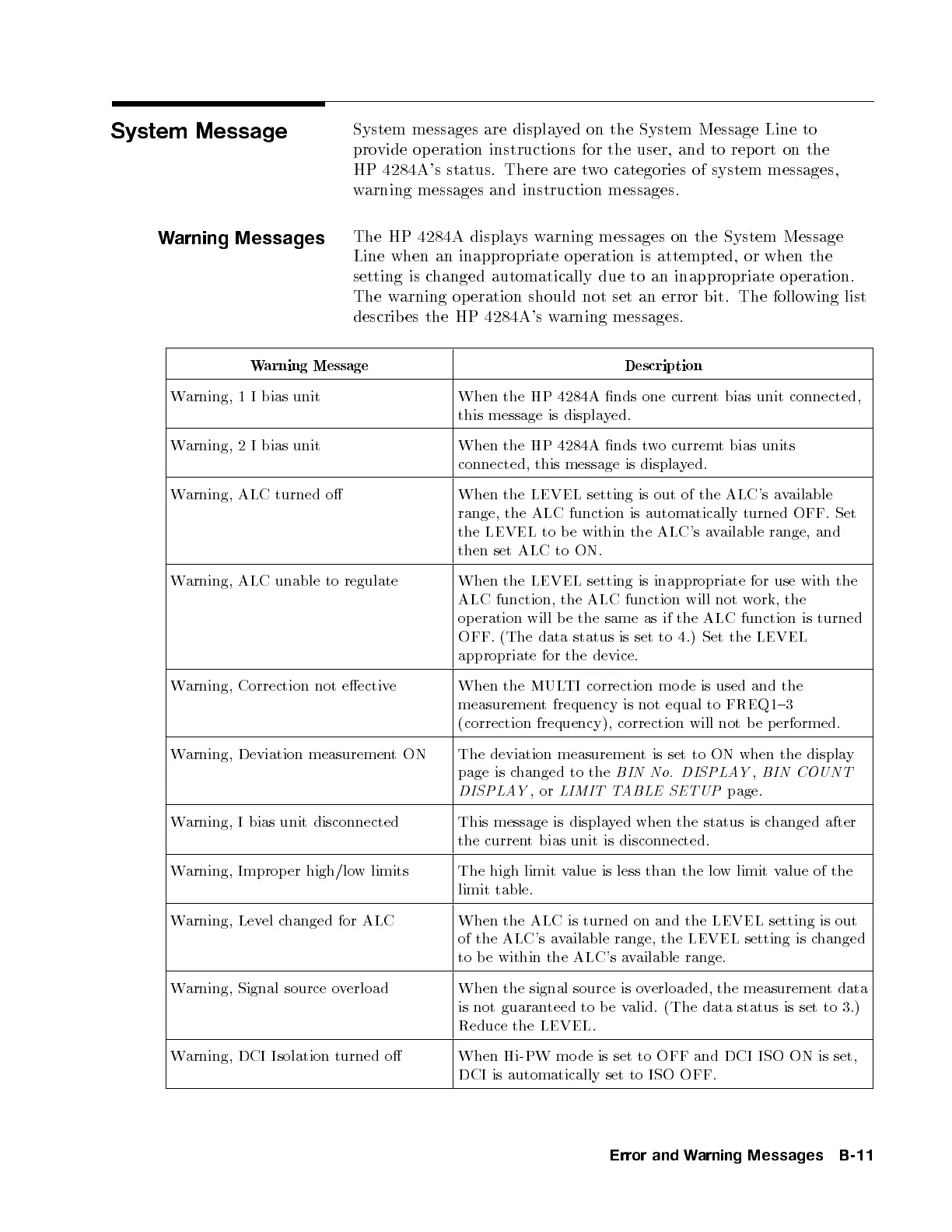
describes the HP 4284A's warning messages.
Warning Message Description
Warning, 1 I bias unit When the HP 4284A nds one current bias unit connected,
this message is displayed.
Warning, 2 I bias unit When the HP 4284A nds two curremt bias units
connected, this message is displa
yed.
Warning, ALC turned o When the LEVEL setting is out of the ALC's a
vailable
range, the ALC function is automatically turned OFF. Set
the LEVEL to be within the ALC's a
vailable range, and
then set ALC to ON.
Warning, ALC unable to regulate When the LEVEL setting is inappropriate for use with the
ALC function, the ALC function will not work, the
op eration will b e the same as if the ALC function is turned
OFF. (The data status is set to 4.) Set the LEVEL
appropriate for the device.
Warning, Correction not eective When the MULTI correction mo de is used and the
measurement frequency is not equal to FREQ1{3
(correction frequency), correction will not b e p erformed.
Warning, Deviation measurementON The deviation measurement is set to ON when the display
page is changed to the
BIN No. DISPLAY
,
BIN COUNT
DISPLAY
,or
LIMIT TABLE SETUP
page.
Warning, I bias unit disconnected This message is displayed when the status is changed after
the current bias unit is disconnected.
Warning, Improp er high/low limits The high limit value is less than the low limit value of the
limit table.
Warning, Level changed for ALC When the ALC is turned on and the LEVEL setting is out
of the ALC's available range, the LEVEL setting is changed
to b e within the ALC's available range.
Warning, Signal source overload When the signal source is overloaded, the measurement data
is not guaranteed to b e valid. (The data status is set to 3.)
Reduce the LEVEL.
Warning, DCI Isolation turned o When Hi-PW mo de is set to OFF and DCI ISO ON is set,
DCI is automatically set to ISO OFF.
Error and Warning Messages B-11


 To Next Page
 Loading...