218 ENWW
Installing an HP Jetdirect print server card
You can install an HP Jetdirect print server card in the base model
printer, which comes with an open EIO slot.
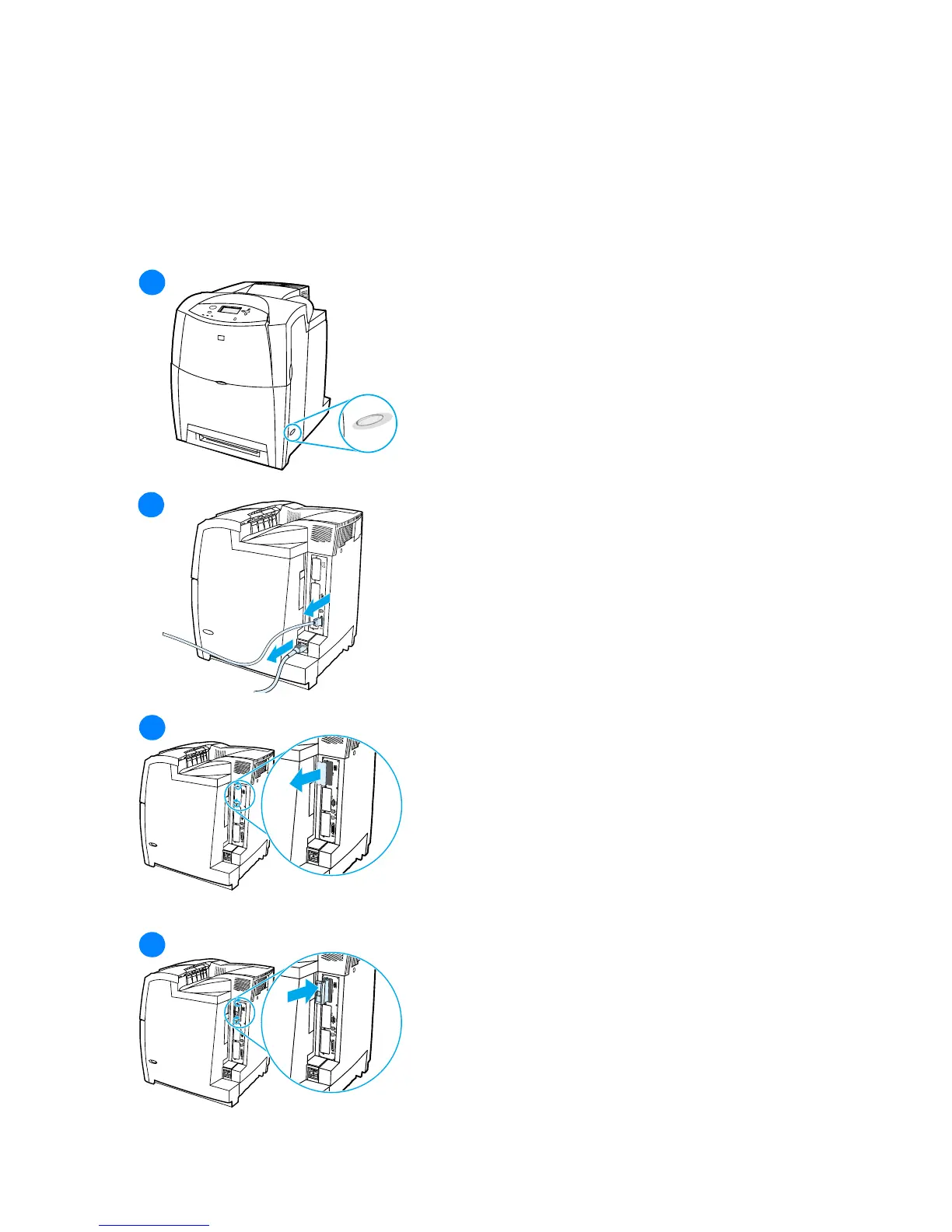
To install an HP Jetdirect print server card
1 Turn the printer off.
2 Disconnect all power and interface
cables.
3 Locate an empty EIO slot. Loosen
and remove the two retaining
screws holding the cover for the
EIO slot onto the printer, and then
remove the cover. You will not need
these screws and cover again.
4 Firmly insert the HP Jetdirect print
server card into the EIO slot. Insert
and tighten the retaining screws
that came with the print server card.
1
1
1
2
1
3
1
4



 To Next Page