EL-MF877-00 Page 5
Template Revision B
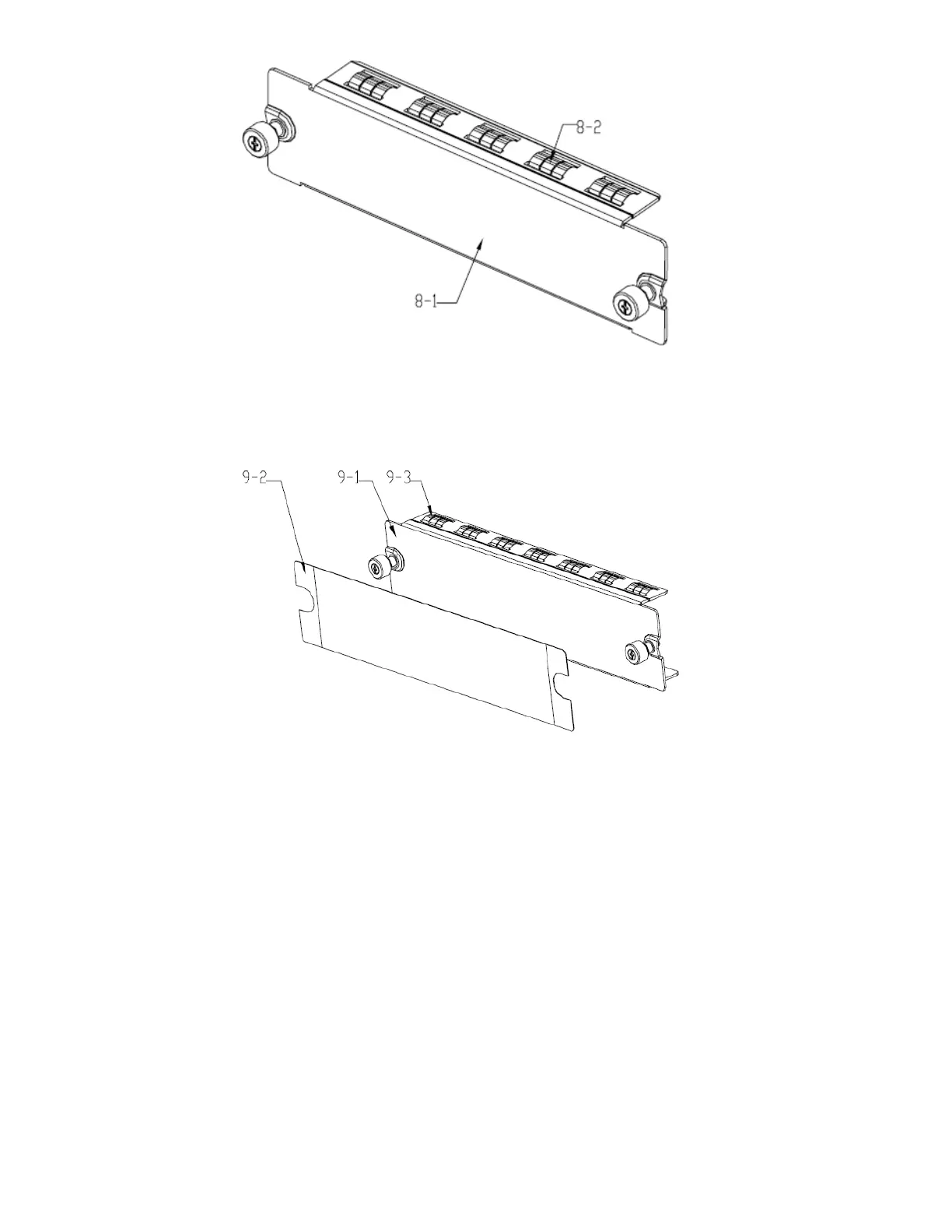
Figure 6 Treatments to blank panel 8
1. Remove shielding finger 8-2 from blank panel 8-1.
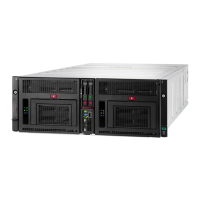
3.1.6 Guidance of treatments to blank panel 9
Figure 7 Treatments to blank panel 9
1. Remove film 9-2 from blank panel 9-1;
2. Remove shielding finger 9-3 from blank panel 9-1.
3.1.7 Guidance of treatments to fan module 10



 To Next Page